advance through the screens. Press and hold the
SET/RESET key to reset any of the screens.
Fuel Information
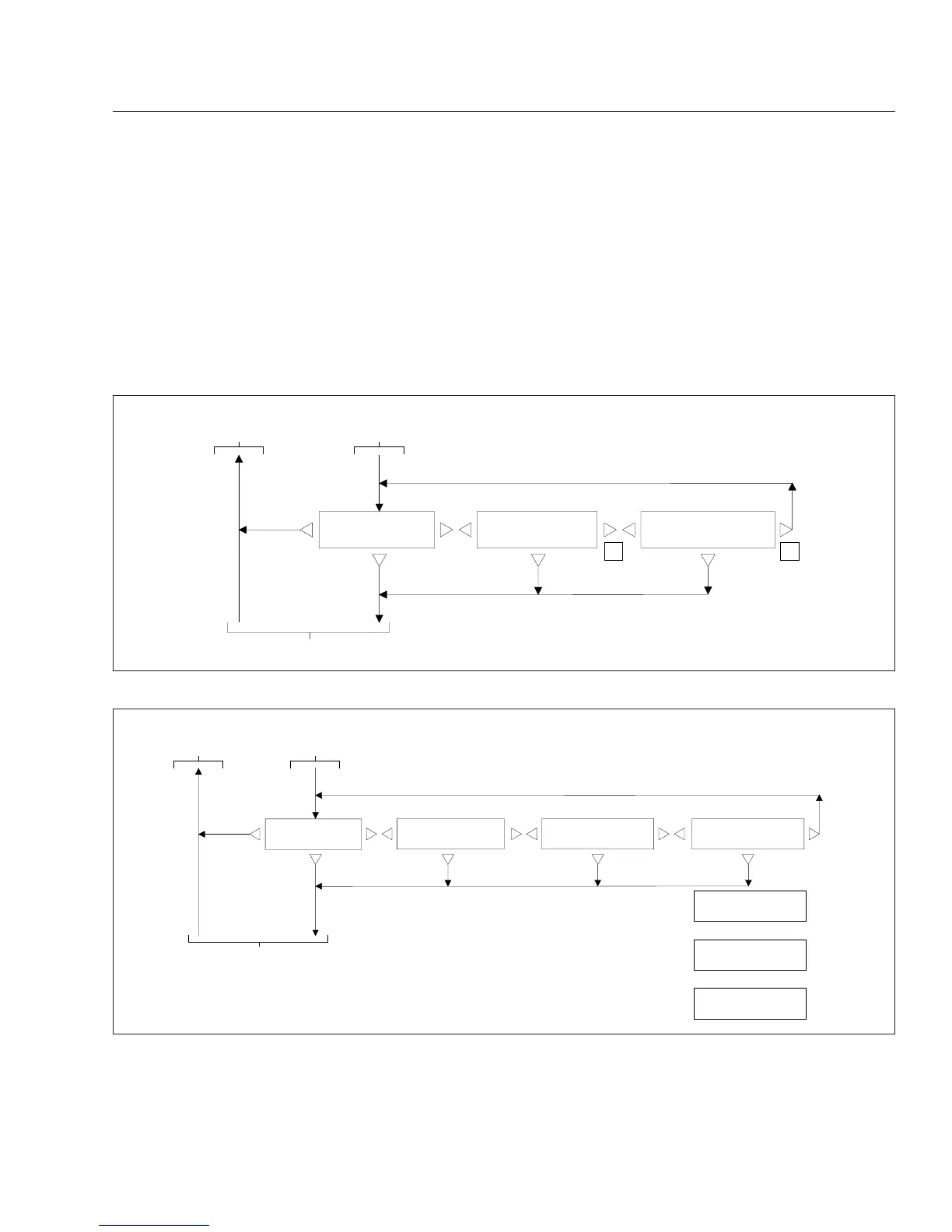
Fuel information allows you to view total fuel usage
since the last reset, fuel mileage, and fuel consumed
while idling or running the PTO. See Fig. 2.6.Tap
the arrow keys on the 10-key keypad to advance
through the screens. Press and hold the SET/RESET
key to reset any of the screens.
Engine Information
The engine information screens allow you to view
engine mileage and hours, and total fuel consump-
tion. See Fig. 2.7. Tap the arrow keys on the 10-key
keypad to advance through the screens. Press and
hold the SET/RESET key to reset any of the
screens.
IDLE GALLONS
12.3
PTO GAL 12345.6 AMT
FUEL USED 12345.6
AVG MPG 12.34 AMT
R R
FUEL
INFORMATION AMT
f040700
Go to Engine Information Screens
12/17/2004
Return to
Idle Hours
From Trip
Information
Screen
Fig. 2.6, ICU4M Fuel Information Screens
ENG GALLONS 123456.7
PTO GAL 12345.6 AMT
ENG MILES 123456.7
ENG HOUR1234:78AMT
ENG OIL LEVEL
LO −1 QTS AMT
ENGINE
INFORMATION AMT
12/01/2004
ENG OIL LEVEL
LO −1 QTS AMT
If Oil Level OK
ENG OIL LEVEL
OK AMT
If Oil Level High
ENG OIL LEVEL
HI 1 QTS AMT
If Oil Level Low
f040701
Go to Diagnostic Information Screens
Return to
Idle Hours
From Fuel
Information
Screen
Fig. 2.7, ICU4M Engine Information Screens
Instruments and Controls Identification
2.8










 To Next Page