10
If you don’t want to use the one of the energy saving presets listed on page 17 and detailed in
the Appendix 1, you can enter the custom energy savings settings.
ACCESSING THE THERMOSTAT SETTINGS
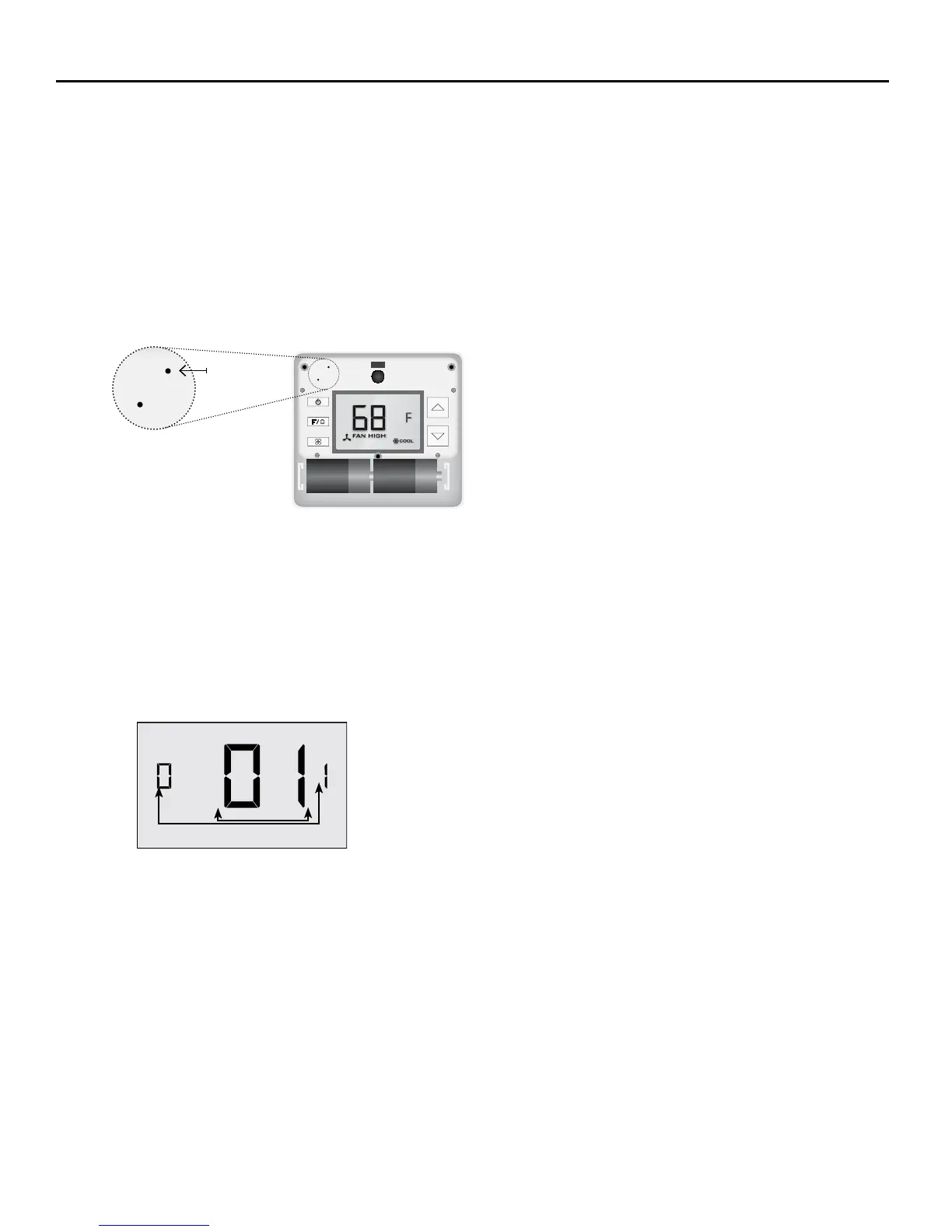
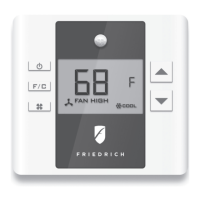
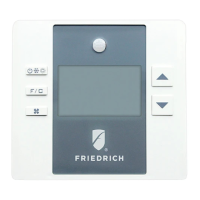
Press and hold the “Conguration” button until the rst thermostat settings screen appears.
The thermostat must be turned on to access the thermostat settings.
USING THE THERMOSTAT SETTINGS SCREENS
➤ Use the “Up” and “Down” buttons to change the setting;
➤ Press the “F/C” button to advance to the next setting;
➤ Press the “Fan” button to return to the previous setting;
➤ Press the “Power” button to save and exit thermostat settings;
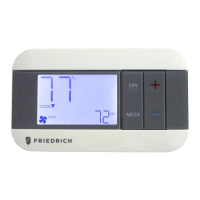
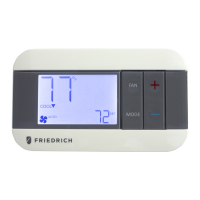
CONFIGURATION
BUTTON
NOTE: You can access Thermostat
Settings by pressing and holding the
“Conguration” button.
Custom Energy Savings Settings
SCREEN NUMBER
SETTING VALUE


 To Next Page