5
Thermostat Installation
INSTALLING THE WIRELESS CONTROL CARD
➤ Unplug the PTAC unit power cord from the electrical outlet;
➤ Remove the PTAC cover;
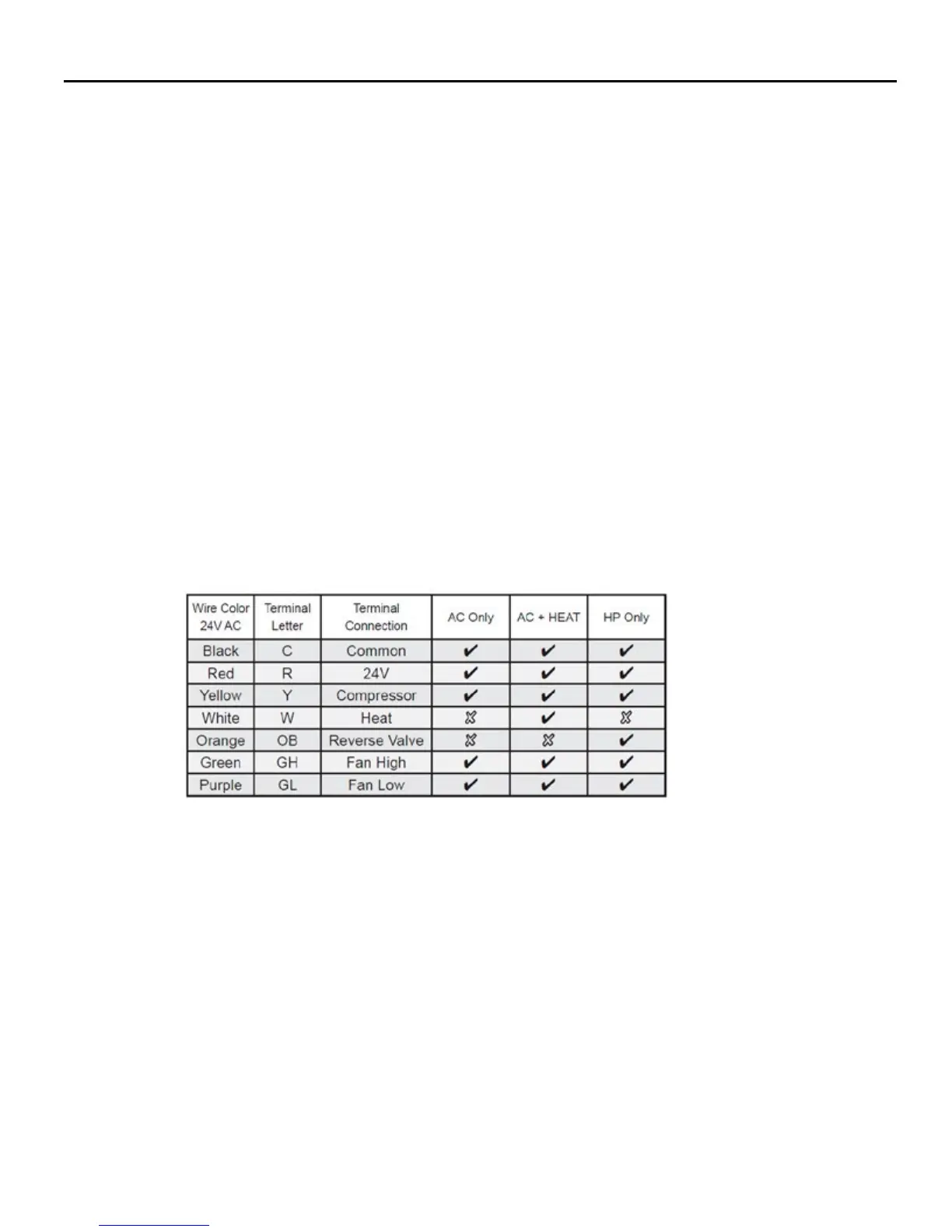
➤ Connect the wires to screw terminals on the PTAC unit - refer to the Wiring Table to
determine proper connections.
➤ Mount the control card inside of the PTAC unit.
Ensure that the Wireless Control Card antenna is not touching any metal components of the
PTAC unit.
Ensure that the Wireless Control Card Antenna is facing the thermostat on the wall
and is oriented so that any metal parts of the PTAC unit do not obstruct the wireless
communication to the thermostat and, in case of network installation, to other wireless
control cards and the server.
Ensure that the contol card is not and cannot fall into the PTAC unit Condensation Pan.
➤ Replace the PTAC front cover;
➤ Plug in the PTAC unit power cord into an electrical outlet.
WIRING TABLE
MOUNTING THE THERMOSTAT TO THE WALL
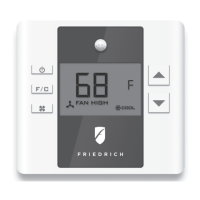
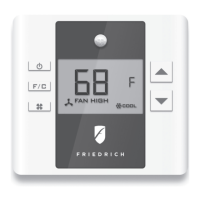
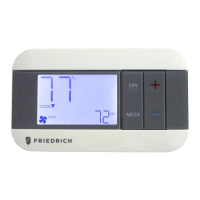
➤ Unscrew the xing screw and remove the thermostat cover;
➤ Place the thermostat on the wall in the installation location and mark location for drilling holes
for the three (3) mounting screws;
➤ Drill three (3) 3/16” holes in the wall and insert the three (3) supplied wall anchors;
➤ Use the three (3) supplied #6 x 1”screws to securely mount the thermostat to the wall;
➤ Insert two (2) C-cell batteries (not-supplied) into the thermostat battery compartment;
➤ Follow the “Thermostat Conguration” instructions to correctly congure the thermostat.
➤ Replace the thermostat cover and screw in the xing screw;


 To Next Page