- 29 -
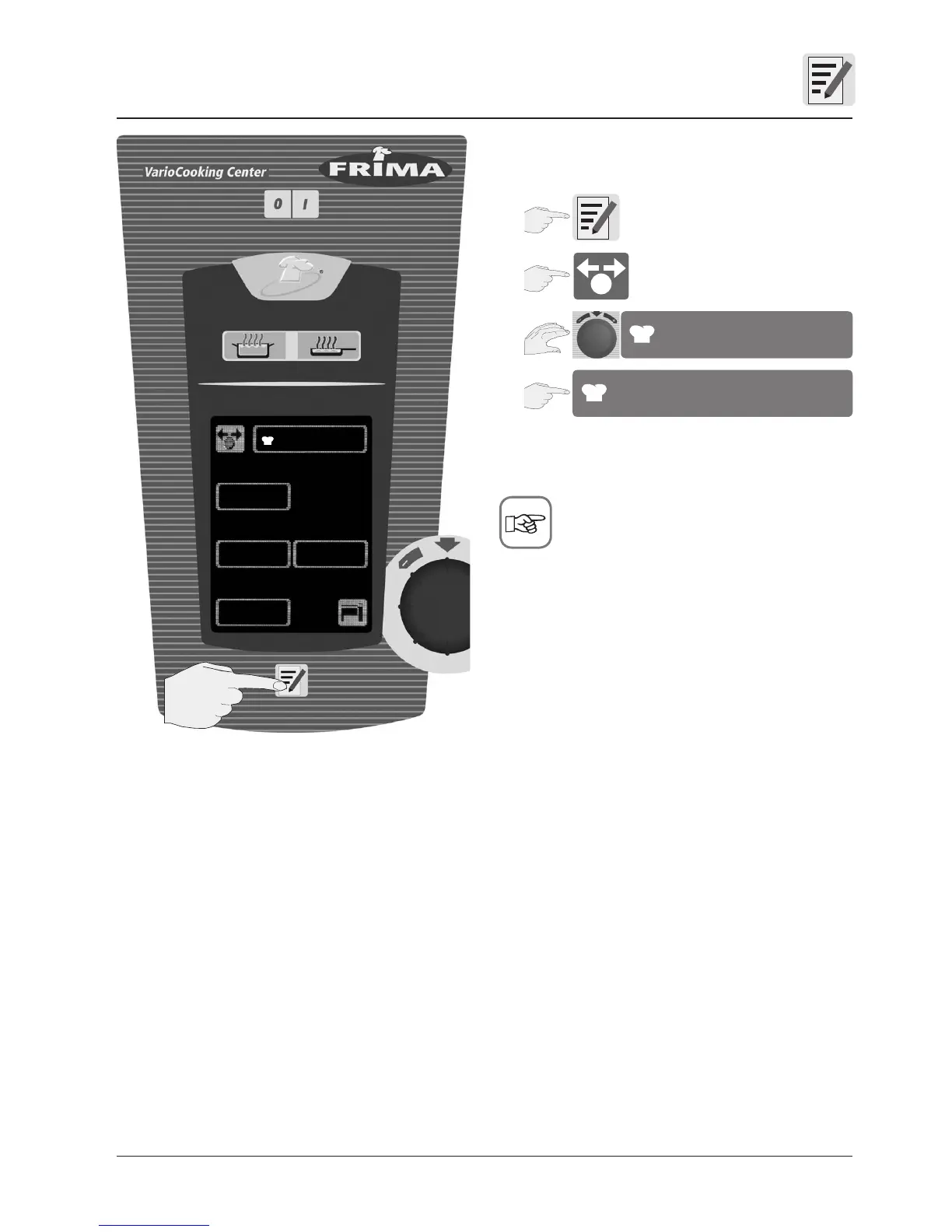
Start process
e.g. “Steak” process
The name of the program appears on the display
while the process is running.
Before starting the process, you can change
the settings as required. If the settings are not to be
changed – see Saving, memory lock.
Staring processes which you have saved yourself
1
2
3
4
Steak
Steak
Store button
(previously PROG button)
new
copy change
Steak
delete


 To Next Page