- 31 -
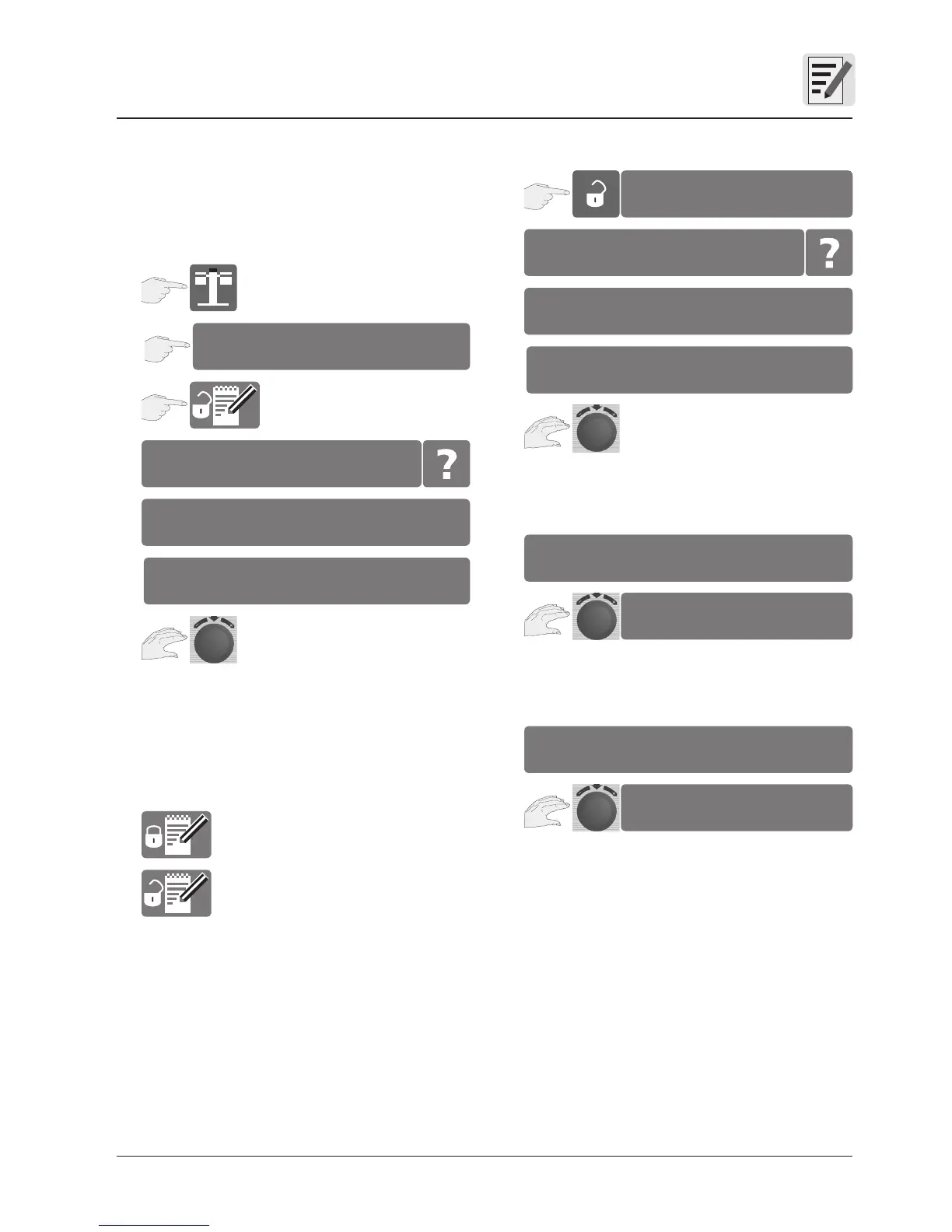
Setting the store block
New processes cannot be created if the “Store
block” is set. You can use existing processes, but
cannot change, copy or delete them.
Enter password:
Use the central dial to select a letter or number,
then press the dial to confirm your choice.
Default password “12345”
Store block active
Store block inactive
Change password
Enter password:
Use the central dial to select a letter or number,
then press the dial to confirm your choice.
Enter password:
Use the central dial to select a letter or number,
then press the dial to confirm your choice.
Enter password:
Use the central dial to select a letter or number,
then press the dial to confirm your choice.
Store – Store block
1
2
settings
_xxxx
enter password
A B C D E F G H I J K L M
4
1
change password
_xxxx
enter old password
A B C D E F G H I J K L M
2
3
enter new password
4
A B C D E F G H I J K L M
5
repeat new password
6
A B C D E F G H I J K L M
3


 To Next Page