- 50 -
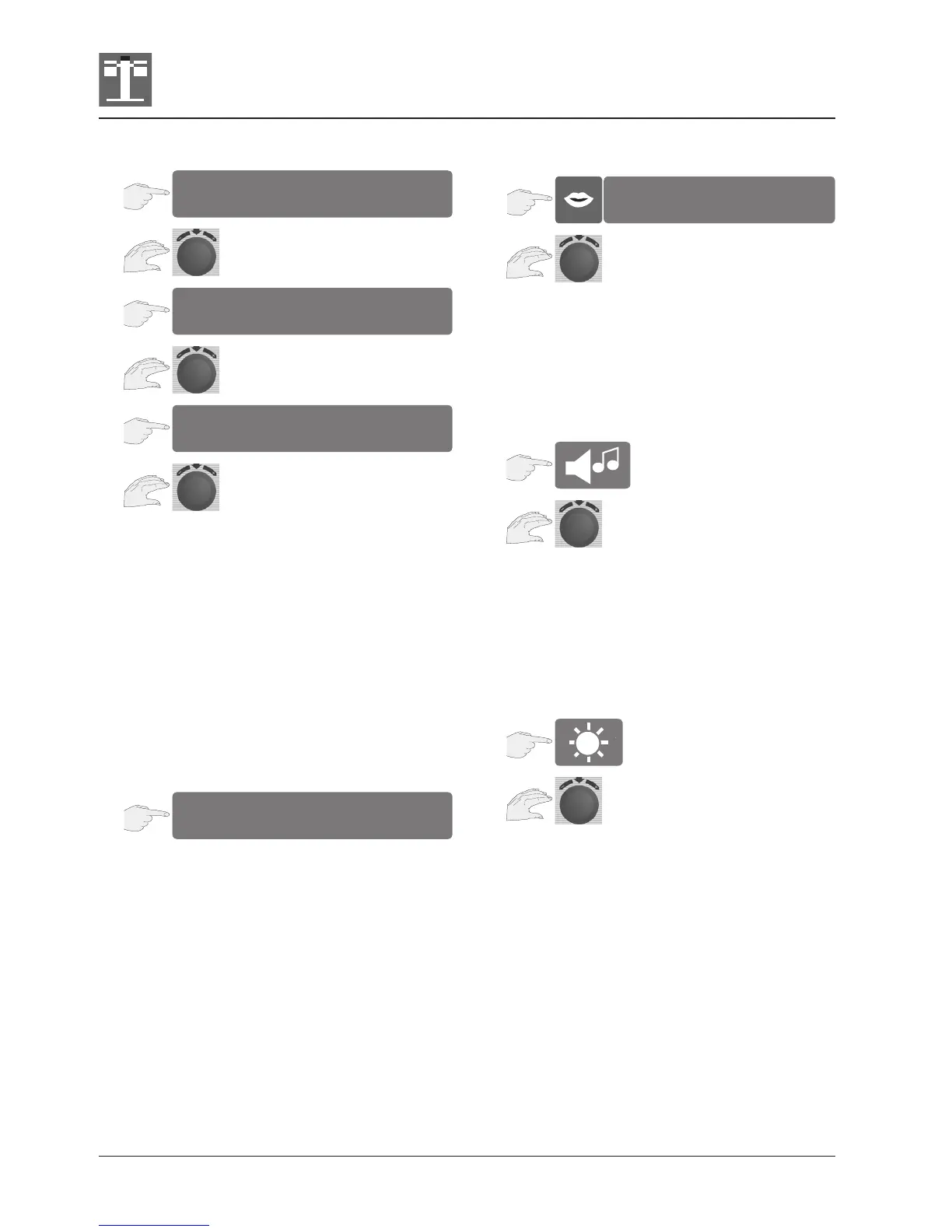
Date setting
The date format is linked to time format.
Options:
24h appears as 19.05.03 (day/month/year)
am/pm appears as 05/19/03 (month/day/year)
Temperature unit setting
Your unit offers you the choice of two temperature
units.
Press the display to toggle between the temperature
units °C and °F.
The set temperature unit lights up red.
Language setting
Use the central dial to select the language you
want.
Buzzer setting
The required signal sound and its duration can be
selected by turning the central setting wheel.
Display contrast setting
The brightness of the display is changed by turning
the central setting wheel. In order to ensure an
optimum service life of the display, the default
setting is automatically restored when the unit is
switched off and on again.
Unit settings: Date, Temperature unit, Language,
Buzzer, Display contrast
Date, Temperature unit, Language, Buzzer, Display
contrast


 To Next Page