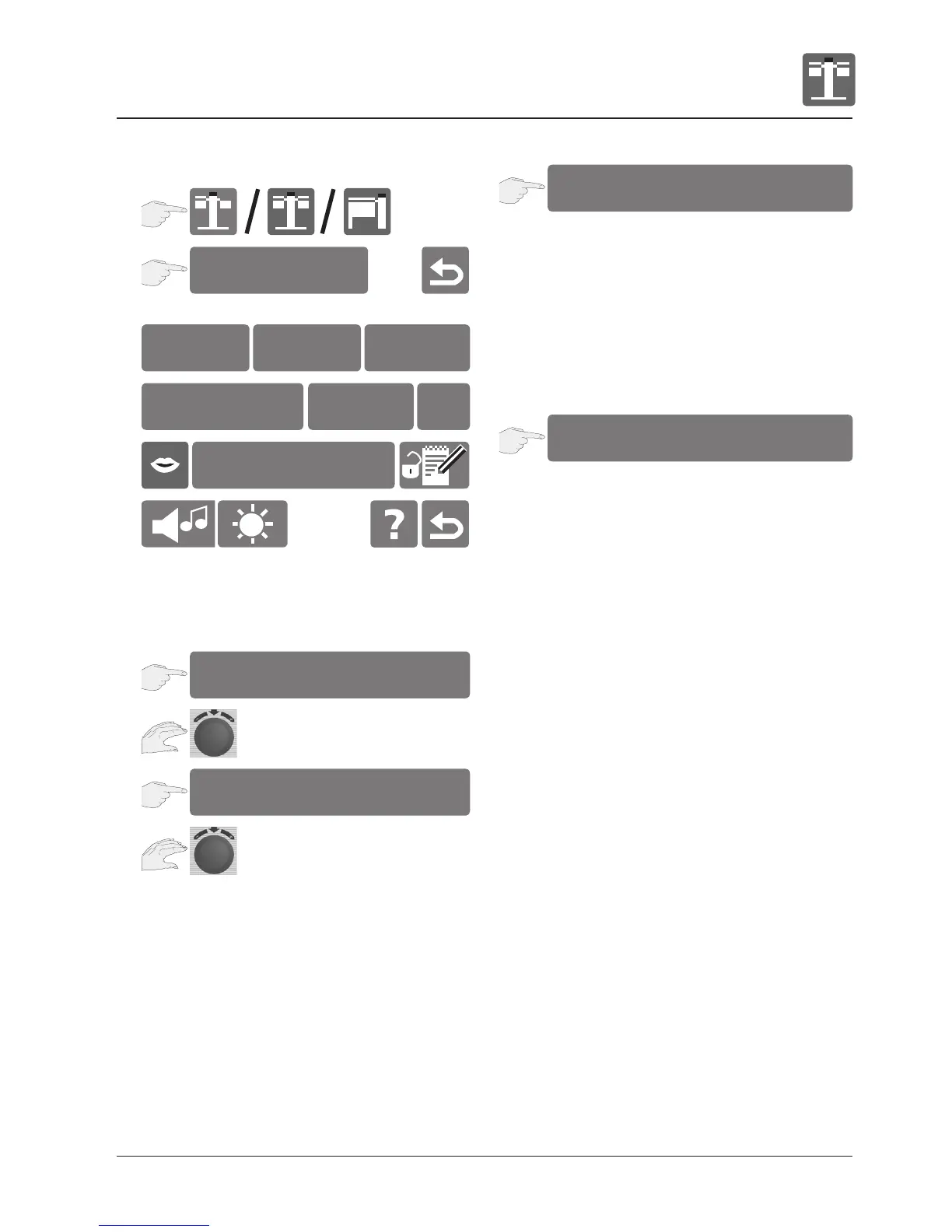
The basic unit settings can be displayed and
changed.
Real time setting
Time format setting
Press the display to toggle between the 24 hour
and 12 hour displays.
The set time format lights up red (the date format
changes automatically).
Time setting for cooking processes
Press the display to toggle between the h:m and
m:s time settings.
The set time format lights up red.
Possible time settings:
h:m setting: hours : minutes
m:s setting: minutes : seconds
Notes:
The m:s setting is only possible up to 99 minutes
and 59 seconds.
2
3
settings
9:50
am/pm
24h
h:m
m:s
english
1
10:50
2
3
10:50
4
am/pm
24h
h:m
m:s
21.12.04 °C / °F IP
1


 To Next Page