25
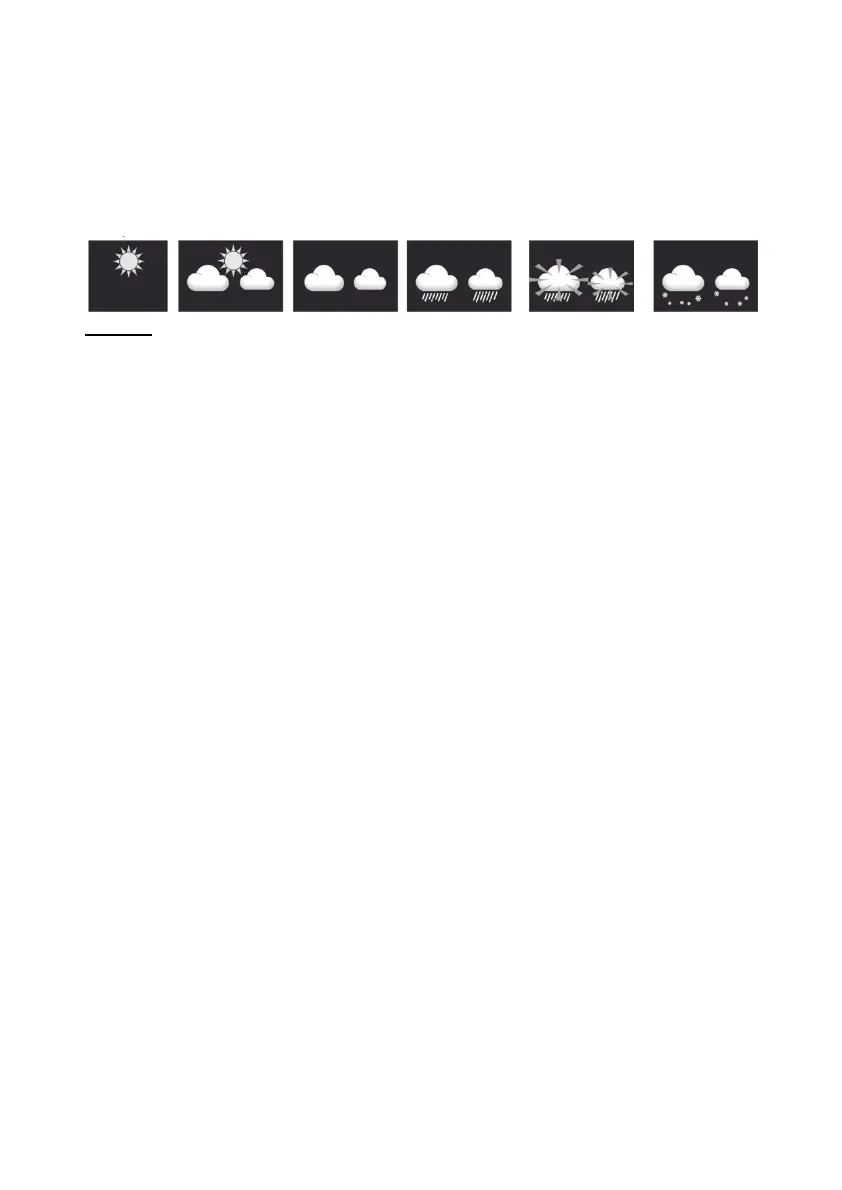
WEATHER FORECAST
The built-in barometer continuously monitors the atmospheric
pressure. Based on the collected data,
the weather conditions for the next 12-24 hours can be calculated
within a 30 to 50 km radius.
NOTE:
- The accuracy of a general pressure-based weather forecast is
approximately 70% to 75%.
- The weather forecast reflects the weather situation for the next
12~24 hours, it cannot reflect the current situation.
- The snow weather forecast is not based on air pressure but on
outdoor temperature. If the temperature is below -3°C (26°F), the
snow symbol is displayed.
TO DISPLAY THE BAROMETRIC PRESSURE IN DIFFERENT
UNITS
In normal mode, press the [ BARO ] key to change the barometric
unit in this order: hPa →
inHg → mmHg
FOR SETTING THE ABSOLUTE OR RELATIVE BAROMETRIC
PRESSURE
In normal mode, press and hold the [ BARO ] key to switch between
ABSOLUTE / RELATIVE.
RAIN
The RAINFALL section displays information on precipitation or rain
rate.
TO SET THE RAIN RATE UNIT
Press and hold the [ RAIN ] key for 2 seconds to enter the unit
setting mode.
Press the arrow keys to switch the unit between mm and in (rainfall
amount) or mm/h and in/h.



 To Next Page