INSTALLATION (continued)
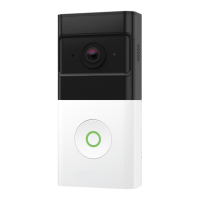
2. Once you’ve chosen your preferred placement, hold the Wireless Doorbell
Camera against the Standard Mounting Bracket in the desired location, while
opening the Frontpoint app.
• Check the Live View of the Wireless Doorbell Camera to ensure you are satisfied
with the field of view. Make sure you can see low enough for where packages
would be placed and high enough for where faces would be seen.
i. To check Live View, tap “Doorbell Camera” in the navigation menu ( ) of
the Frontpoint app and tap the play button in the video window to view
live video.
3. Reposition your Wireless Doorbell Camera as needed until you are satisfied with
the field of view.
• If your doorway is on top of steps or you otherwise need to angle the camera a bit
more downwards, try holding the Optional Mounting Wedge behind the camera
instead of the bracket to see if that improves the view.
4. Once settled on a location and whether you’ll be using the Optional Mounting
Wedge, proceed to the next step.
2
i
3
4
10


 To Next Page