Frymaster L.L.C., 8700 Line Avenue 71106, P.O. Box 51000, Shreveport, Louisiana 71135-1000
318-865-1711 FAX 318-862-2394
Printed in the United States Service Hotline
Page
7
1-800-24-FRYER
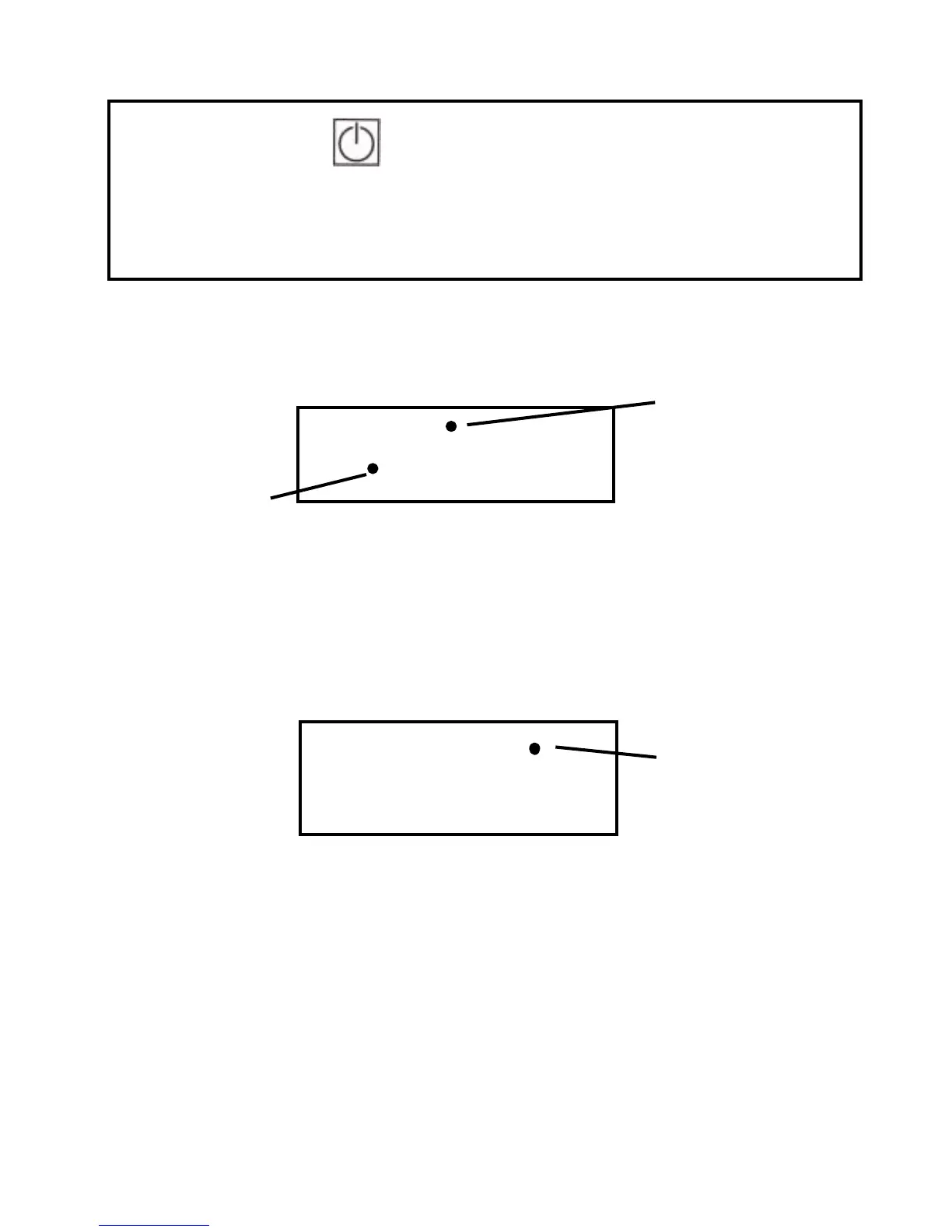
Press to turn on the computer.
The display will read
— L O —
— L O — — L O —
— L O —
until both heaters are
within 15
°
F of setpoint
NOTE: A small LED will light in a specific location in the display when either the heater plate or
air heater is energized.
When the HLZ is ready for operation, the display reads REdY (ready). Place product in the
HLZ in accordance with the restaurant’s established procedures.
NOTE: To check the actual temperature of a heater, press the corresponding Temperature
Switch once. To check the setpoint temperature of a heater, press the switch twice (an
indicator will light when the setpoint is displayed).
R E y
Heater Plate
Air Heate
2 2 0
Setpoint
Temperature
d
¡



 To Next Page