Skim vat
CONFIRM
DRAINING,
WASHING,
FILLING
FILTER NOW?
Low
temp
--------
□ Fill Jug in Box (JIB) (If applicable)
(oil reservoir is low)
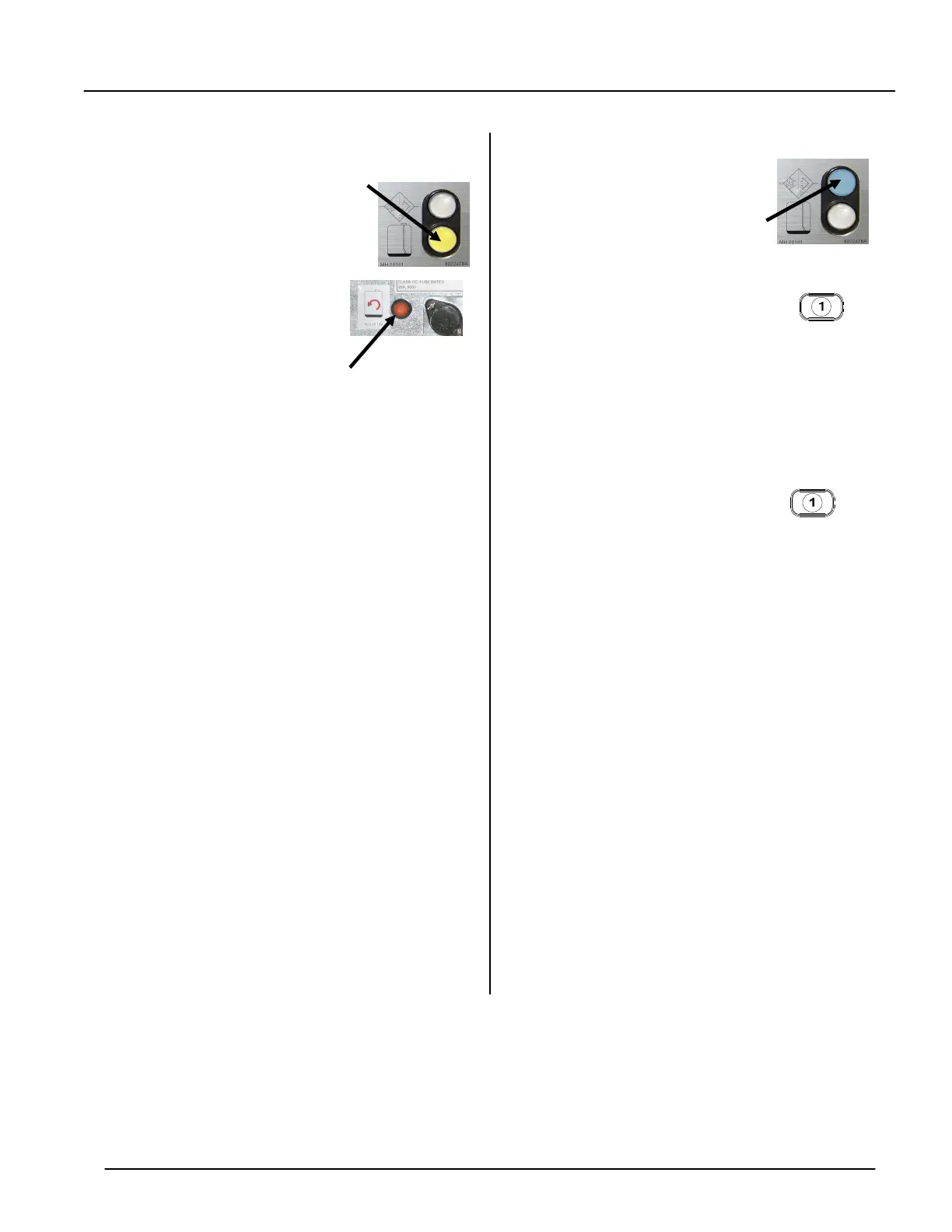
1. Yellow Light LED comes on
when oil in JIB is low.
2. Open the door and replace
jug of frying oil with new
jug of oil. (Non-RTI sites)
3. Press and hold orange re-
set button above jug of oil,
until yellow light goes out.
□ Auto Intermittent Filtration
(If applicable)
1. Blue Light LED comes on
after 6 baskets of fried prod-
ucts are fried in one pot.
2. Computer displays FILTER
NOW? YES NO.
3. Press button 1.
4. Computer displays SKIM VAT.
5. Use skim tool to skim fry pot
and remove crumbs and de-
bris.
6. Computer displays CONFIRM
(confirm filter) YES NO.
7. Press button 1.
8. Computer displays DRAIN-
ING, WASHING and FILLING
during filtration.
9. This will take approximately 4
minutes per fry pot-only one
pot will filter at a time.
10.DO NOT PUT BASKETS IN
FRY POT WHILE FILTERING.
11.After auto filtration occurs,
fry pot will fill with oil and
computer displays LOW TEMP
until pot is ready for cooking.
12.Use fry pot when product
name appears on display or
returns to dashed lines.
*NOTE: Filet vat will not require AIF due to
flavor transfer
LOV™ Fryer Station Guide
McNuggets, Crispy, etc.
819-6455 SEP 12

















 To Previous Page