5.2.
Layout
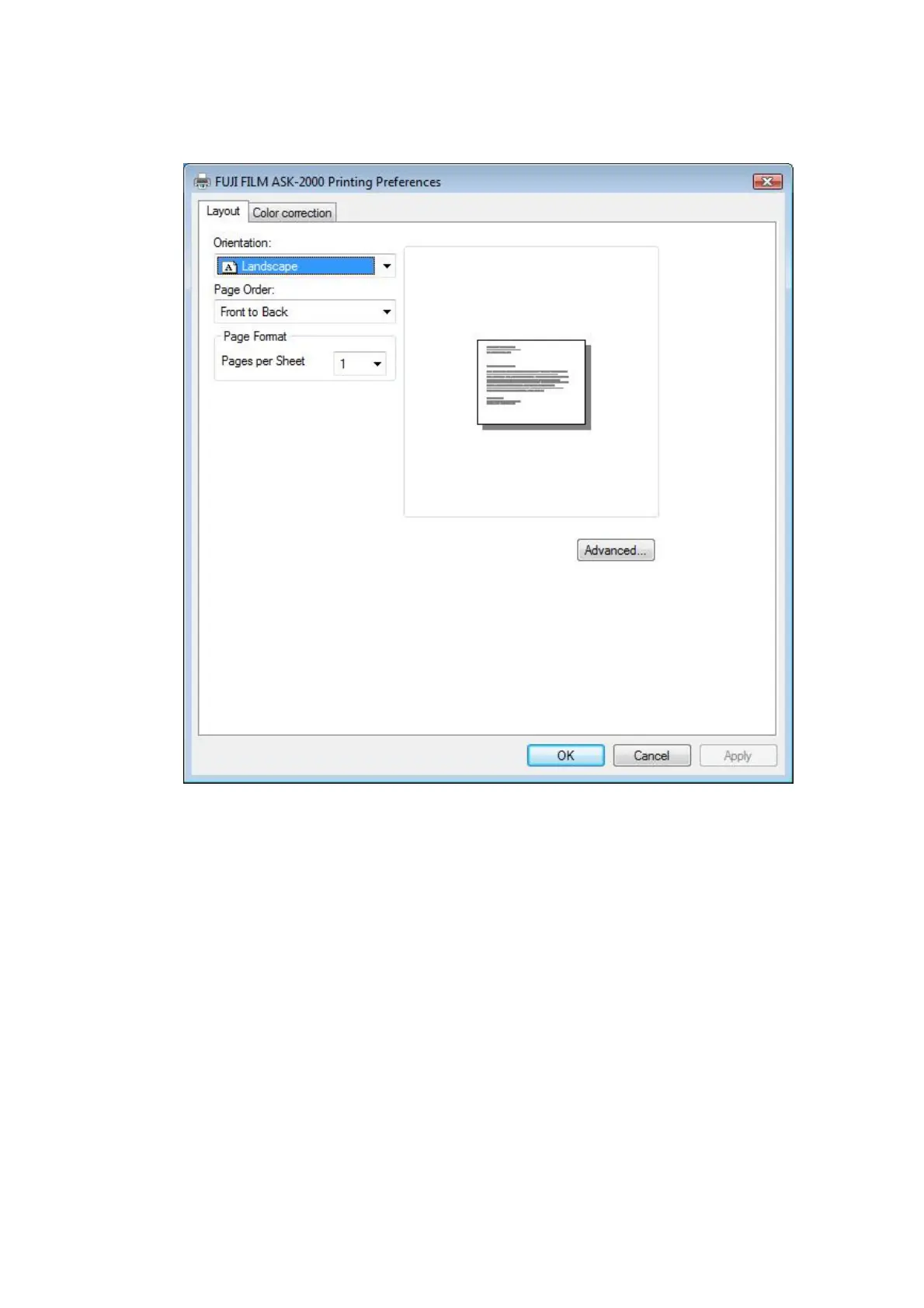
[Start] - [Printers and Faxes] – [Printer Properties] – [Printing Preferences] – [Layout]
[Fig.28]
[Orientation]
This will let you specify vertical or horizontal printing direction. Fitting the image to the
specified orientation of the media will be done by the Application Software.
[Page Order]
Printing sequence is specified. It is necessary that the Application Software has the
function to output multiple pages.
[Pages Per Sheet]
Multiple pages may be combined into one page. It is necessary that the Application
Software has the function to output multiple pages.
11/28


 To Next Page