Mode Dial
10
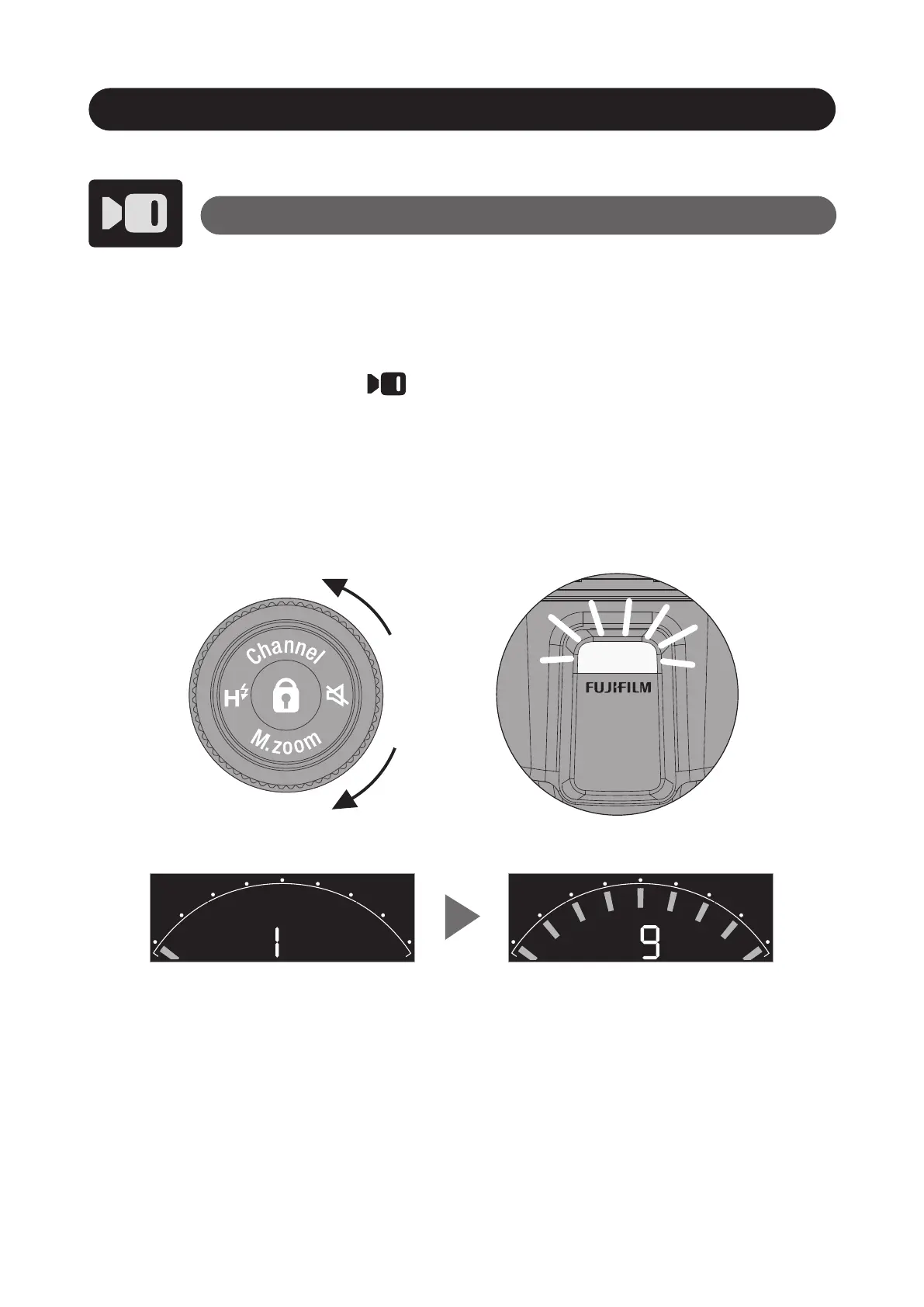
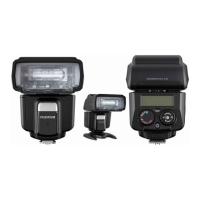
• Set EF-60 to the camera’s hot shoe and press the
Power button to power on.
• Set the Mode dial to mode.
• You can select the power by rotating the Control
wheel and buttons,
9 steps of output level can be adjusted.
LED Light Mode
* The LED light can also function as a catch light or auto focus (AF) assist
lamp. For details, see "LED LIGHT SETTING" in the camera's owner’s
manual.



 To Next Page