17
Channel Setting
[Reference]:
No changes are required during
normal use, but in places where other
communication devices that use the
2.4 GHz band, such as wireless LAN,
Bluetooth, handy phones, and
hand-free microphones, are frequently
used, in rare cases, the radio wireless
remote system may not work properly due to radio
interference. In such cases, changing the communication
channel may improve the situation.
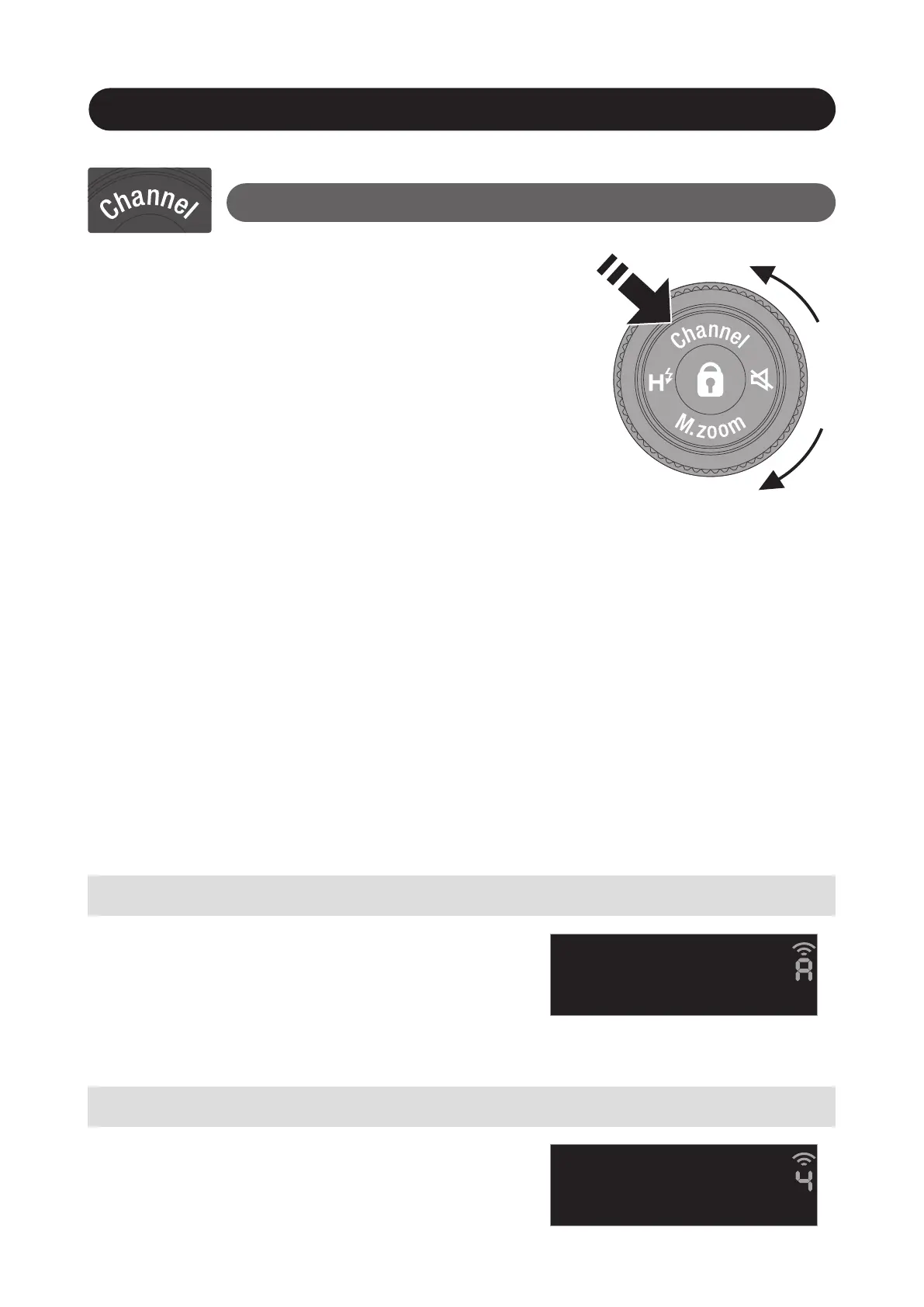
To switch the channel, press “Channel” of "Control
wheel and buttons” for 1 second. Turn the "Control
wheel" to change the channel value. After 7 seconds, the
mode automatically returns to the original mode. To
return to the original mode manually, press "Channel"
again for 1 second.
Automatic channel setting
Manual channel setting
Change the channel of EF-60 to A, and
change the channel of the commander.
Manually set channels 1 to 8 according
to the commander channel.
Function Button
(Do this only if automatic channel setting does not improve.)

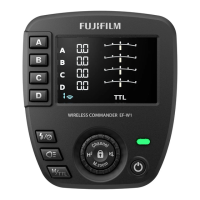


 To Next Page