66
White Balance
For natural colors, choose a white balance option that matches the light
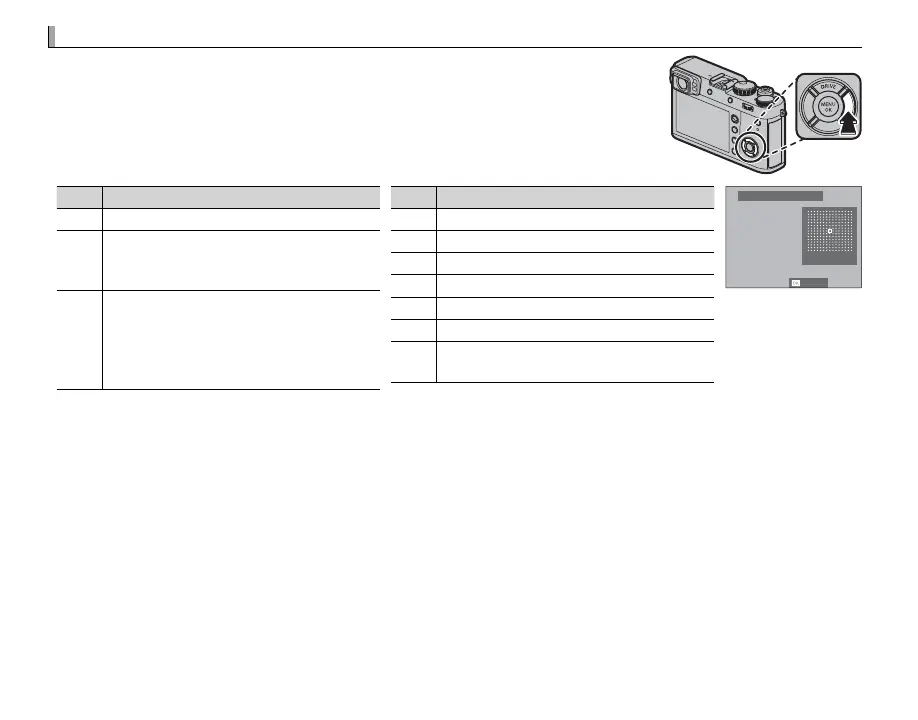
source. Press the function (Fn4) button to display the options shown below,
then press the selector up or down to highlight an option and press MENU/OK
to select.
Option
Description
AUTO White balance adjusted automatically.
k
l
m
Measure a value for white balance (P 67).
k
Selecting this option displays a list of color
temperatures (P 67); highlight a tempera-
ture and press MENU/OK to select the high-
lighted option and display the ne-tuning
dialog.
Option
Description
i
For subjects in direct sunlight.
j
For subjects in the shade.
k
Use under “daylight” uorescent lights.
l
Use under “warm white” uorescent lights.
m
Use under “cool white” uorescent lights.
n
Use under incandescent lighting.
g
Reduces the blue cast typically associated
with underwater lighting.
R:0 B:0
WB SHIFT AUTO
SET
R White balance is adjusted for ash lighting only in AUTO and g modes. Turn the ash o using other white
balance options (P 82).
R Results vary with shooting conditions. Play pictures back after shooting to check colors.
R White balance options can also be accessed using H IMAGE QUALITY SETTING> WHITE BALANCE (P 91).


 To Next Page