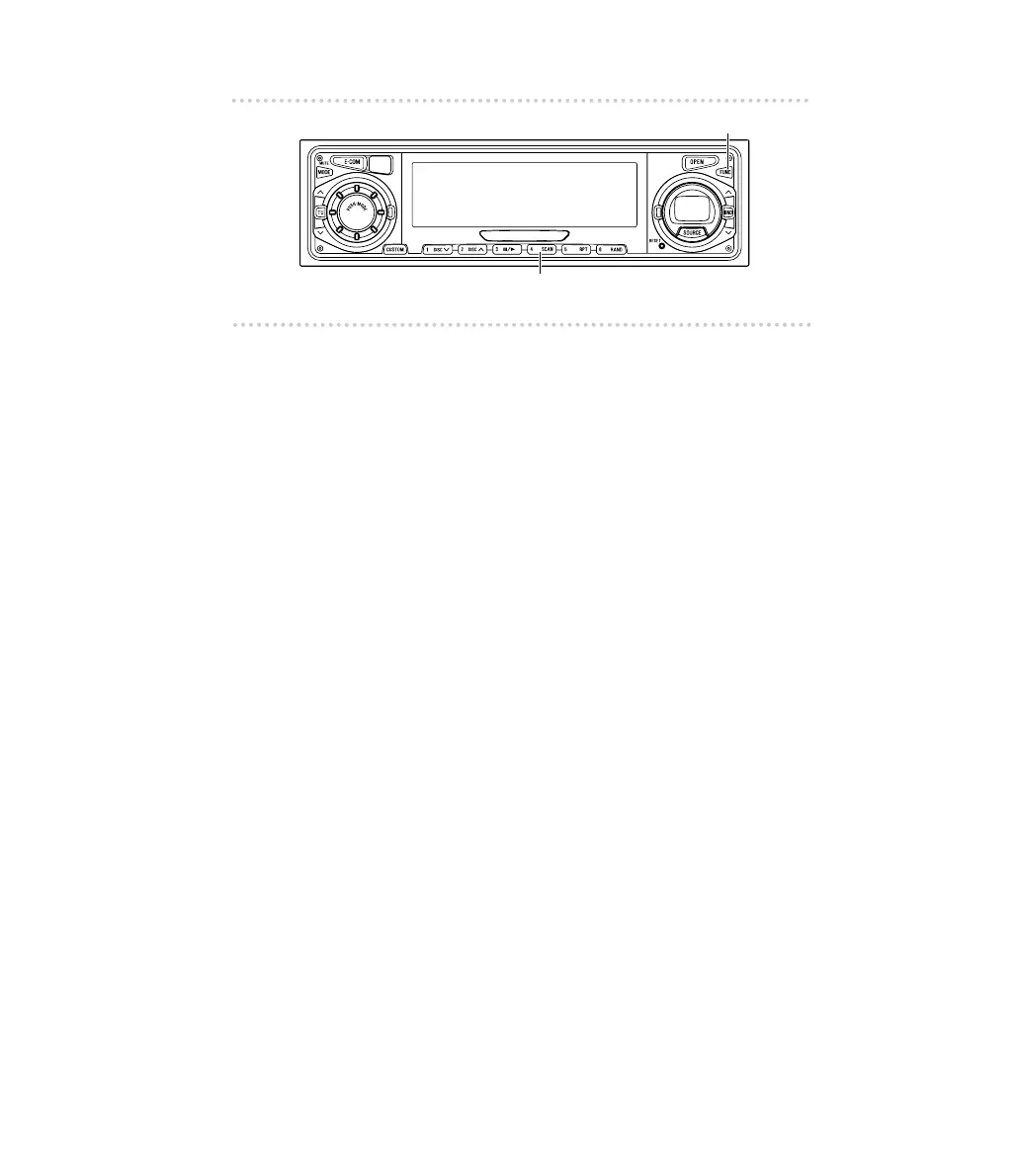
How to operate the receiver with an optional DSP/EQ unit or Digital Sound Processor connected
▼Switching the dynamic range
The dynamic range is the difference between the faintest
sound and the loudest sound that can be played back.
1. Press the [FUNC] button.
2. Each time button [4] is pressed for more than one
second, the setting is switched in the following
order:
D-L OFF
D-L MID
D-L MIN
3. Press the [FUNC] button to cancel the function
mode so that the settings are enabled.



 To Next Page