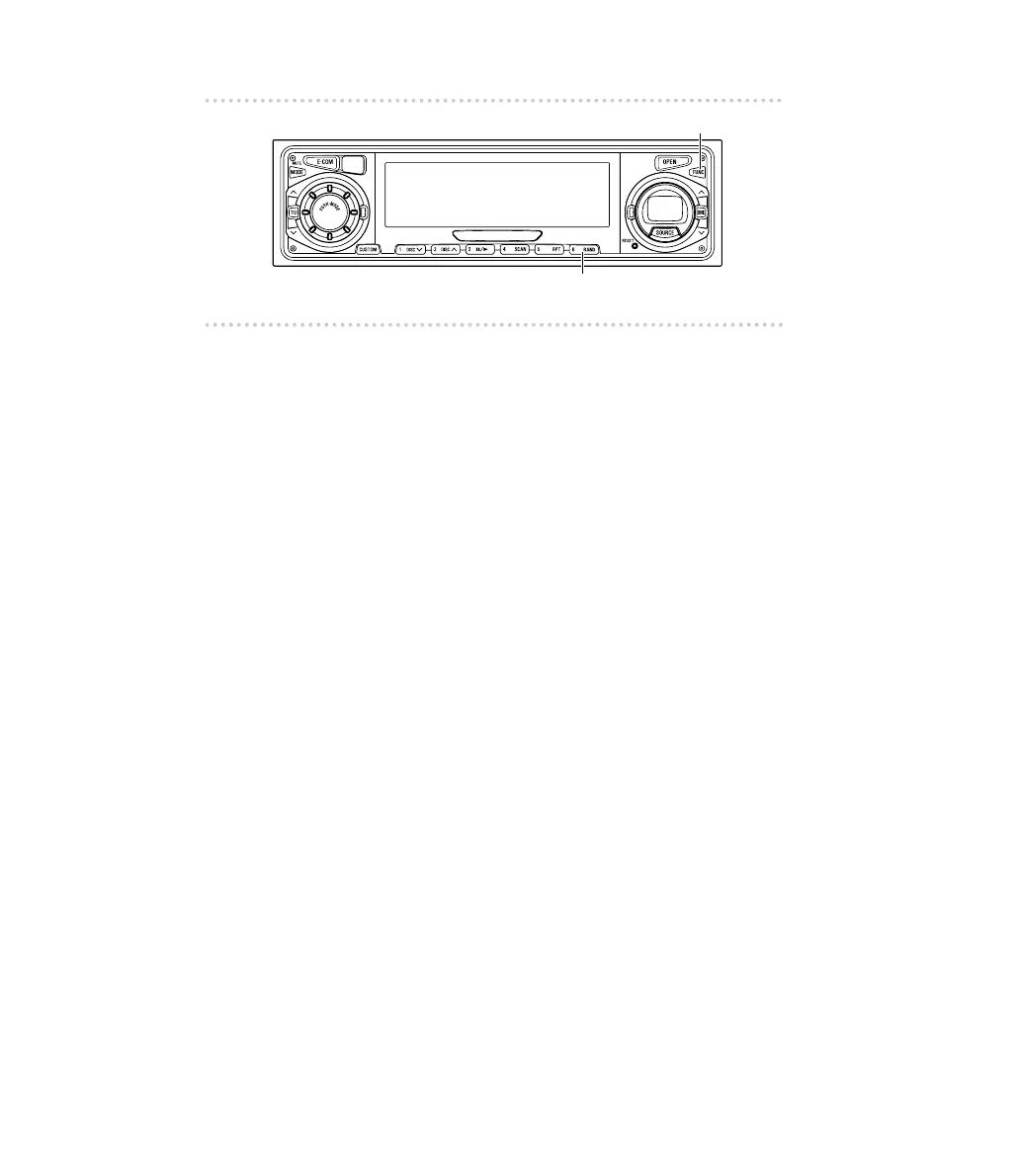
▼Switching the input channel
If the button is pressed during normal radio reception, or when
playing back a CD, the input channel being used at that time
will be displayed, and you can then select an external input
channel.
1. Press the [FUNC] button.
2. Press button [6] for more than one second.
The setting changes to Digital1
→
Digital2
→
Digital3
→
Analog1
→
Analog2 each time the button is
pressed.
[DIGITAL 1 / DIGITAL 2 / DIGITAL] or [ANALOG 1 /
ANALOG 2] will appear on the display.
Initial settings
Radio mode : ANALOG 1
DVD player mode : DIGITAL 1 (optical input)
CD player mode : DIGITAL 3 (RCA input)
CD changer mode : ANALOG 1
Use this operation to set the input channels for each
mode.
3. Press the [FUNC] button again.
How to operate the receiver with an optional DSP/EQ unit or Digital Sound Processor connected
90



 To Next Page