CONTENTS
INTRODUCTION
1 NAMES AND FUNCTIONS OF PARTS
2 BASIC SCANNER OPERATIONS
3 SCANNING VARIOUS TYPES OF
DOCUMENTS
4 DAILY CARE
5 REPLACING CONSUMABLES
5.1 Consumable and Replacement Cycle
5.2 Replacing the Pad ASSY
5.3 Replacing the Pick Roller
6 TROUBLESHOOTING
7 DOCUMENT SPECIFICATIONS FOR ADF
8 OPTIONS
9 SCANNER SPECIFICATIONS
Appendix
5.1 Consumable and Replacement Cycle (5)
1
2 3 4
5
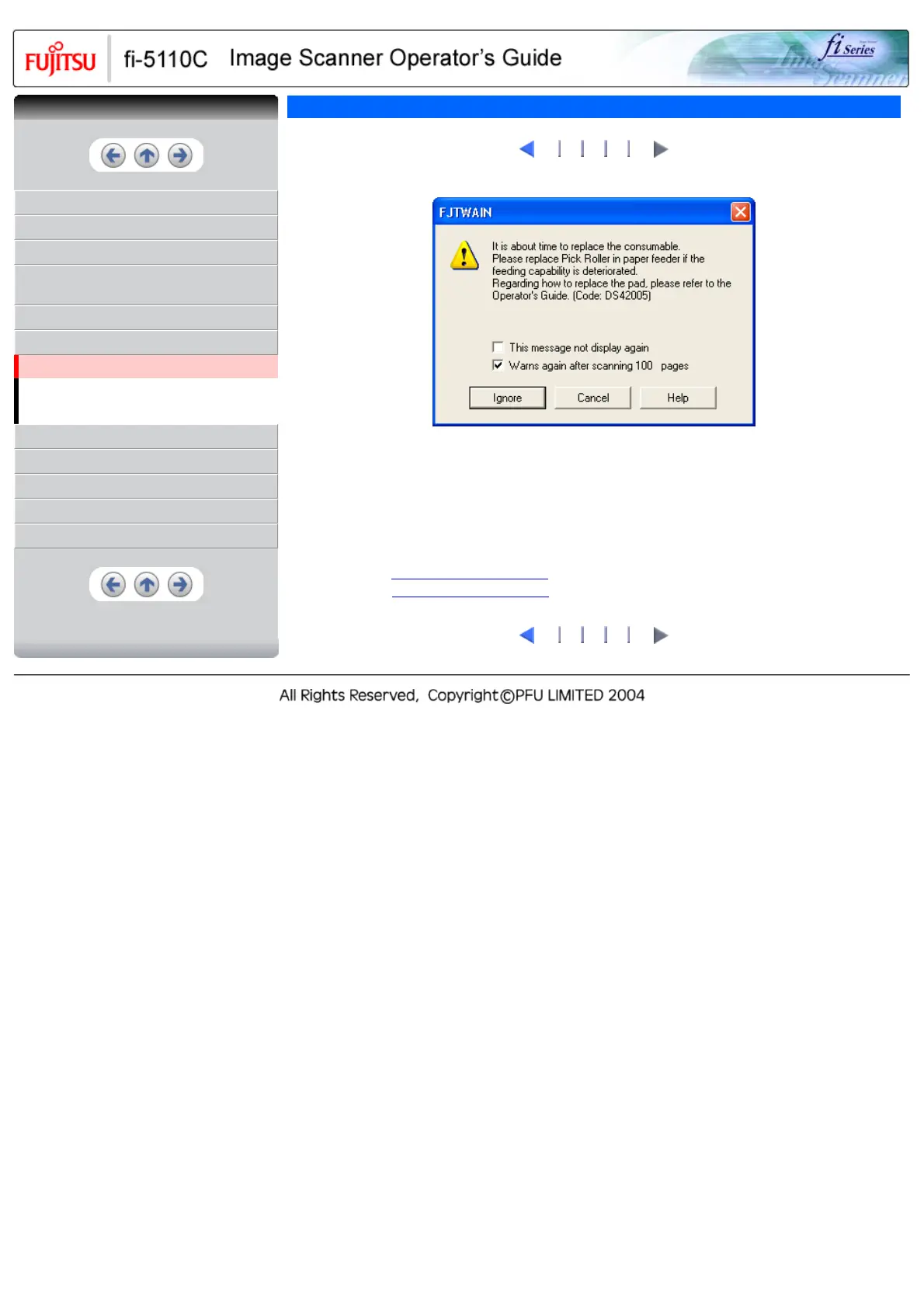
The following message may appear while you use the scanner:
Replace consumables when this message is displayed.
After clicking the [Ignore] button, this message will disappear and scanning will continue.
Please replace the consumable as soon as possible.
As a default, this message appears again after 100 scans. If you do not wish this message to display, click
the [ this message not display again].
To stop scanning and replace the consumable, click the [Cancel] button.
Replacement information is given in the following:
Pad ASSY: See "
5.2 Replacing the Pad ASSY"
Pick Roller: See "
5.3 Replacing the Pick Roller"
1
2 3 4
5
CONTENTS


 To Next Page
 Loading...











