For details, refer to the following:
"Connecting a Mobile Device to the ScanSnap via a Wireless Access Point" (page 19)
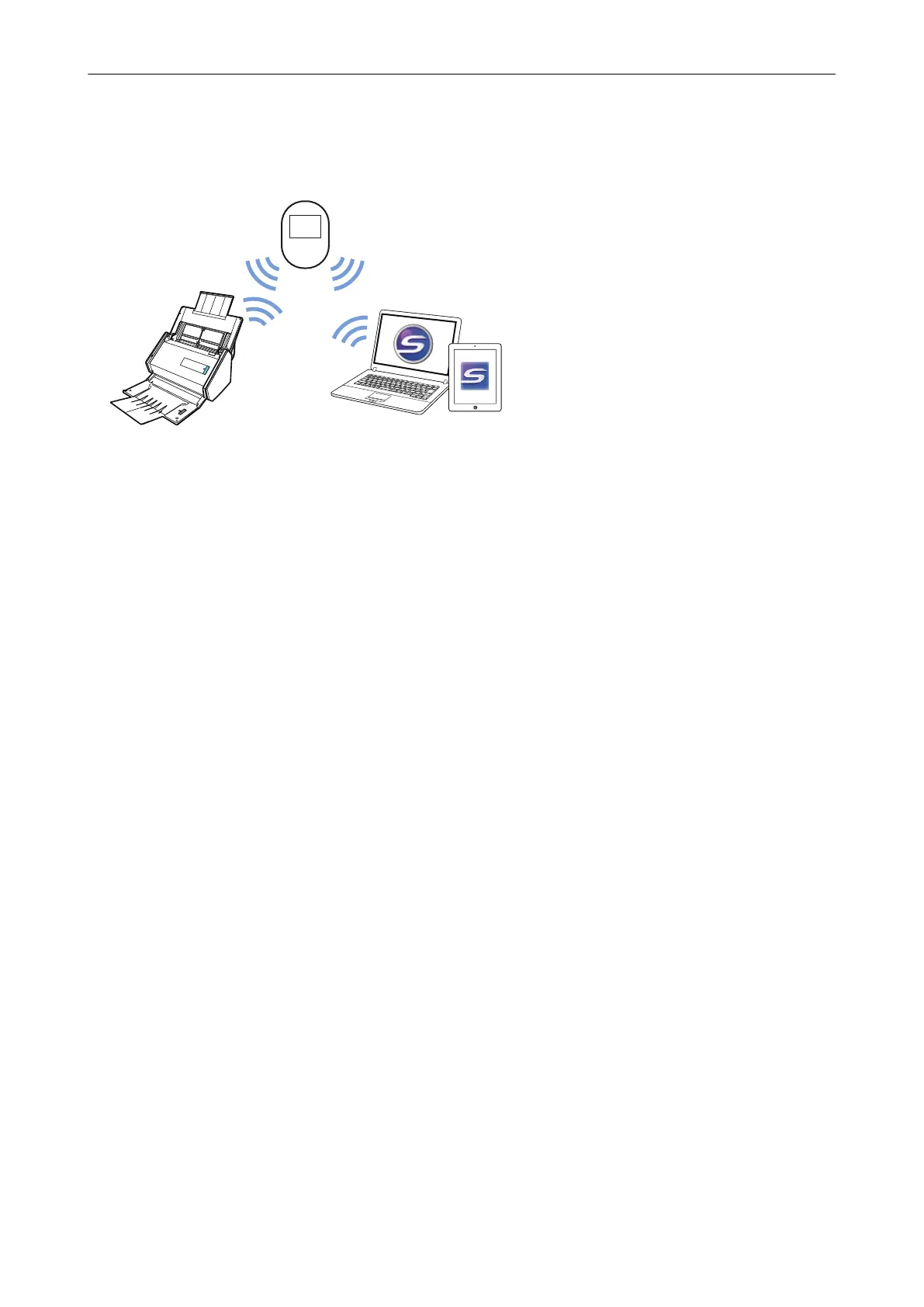
Using a Mobile Router
To use a mobile router as a wireless access point, you need to disable the privacy separator
function. For details, refer to the following:
"Using a Mobile Router" (page 26)
For details about connecting the ScanSnap to a computer via a mobile router, refer to the following:
"Connecting a Computer to the ScanSnap via a Wireless Access Point" (page 13)
For details about connecting the ScanSnap to a mobile device via a mobile router, refer to the
following:
"Connecting a Mobile Device to the ScanSnap via a Wireless Access Point" (page 19)
Network Connection
12



 To Next Page
 Loading...













