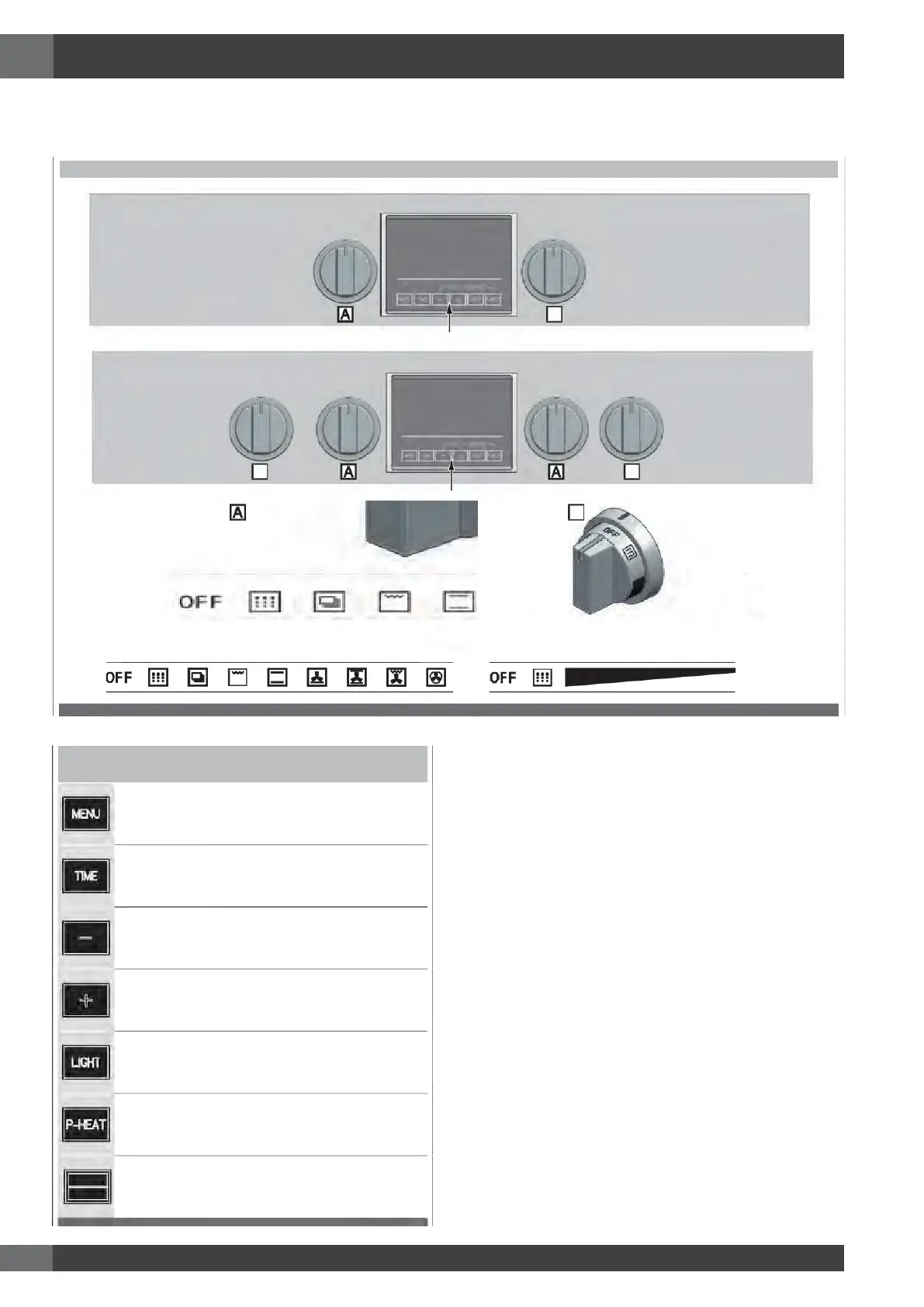
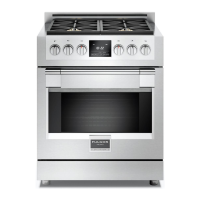
The user interface has the following features: display, preheat light indicators, keys for commands, cooking mode and temperature
selectors.
OVENCONTROLPANEL
Display
TimeMulti-functionDisplay:
For time of day, minute minder, automatic cooking. AM /PM
indication is also present.
Miscellaneous indications are also available to show which
cavity is currently selected and whether any door has been
locked, automatically for self-clean or manually by the user.
TemperatureSettingDisplay:
Degree unit (°C or °F) indication is present. It shows the
temperature set-point for the current cooking mode, in the
selected cavity.
CookingModeDisplay:
Indicates which function has been selected.
Knobs
Cooking mode selector, with eight cooking modes + OFF
position.
Temperature selector with PRESET and CLEAN positions +
continuous range between MIN and MAX values.
EN
4 - The Control Panels
DIGITAL TOUCH COMMAND KEYS
DIGITAL TOUCH COMMAND KEYS
Touch this key to enable special functions, low
temperature modes or to enter
special menu. See
“Selecting the Oven Mode”.
See section: “Setting the Clock and Timer”
key to decrease the value.
key to increase the value.
Touch to switch the oven lights status.
When a cooking function has been selected,
this key to enable the fast preheat mode.
fast preheat is not available for all functions.
this key to select the large cavity if none
is selected. If one of the two is already
selected,
touch it and switch to the other one.
SMALL
LARGE
CommandKeys




 To Next Page