EN - 24
8.6. PiP (BONUSVIEW™) Setting
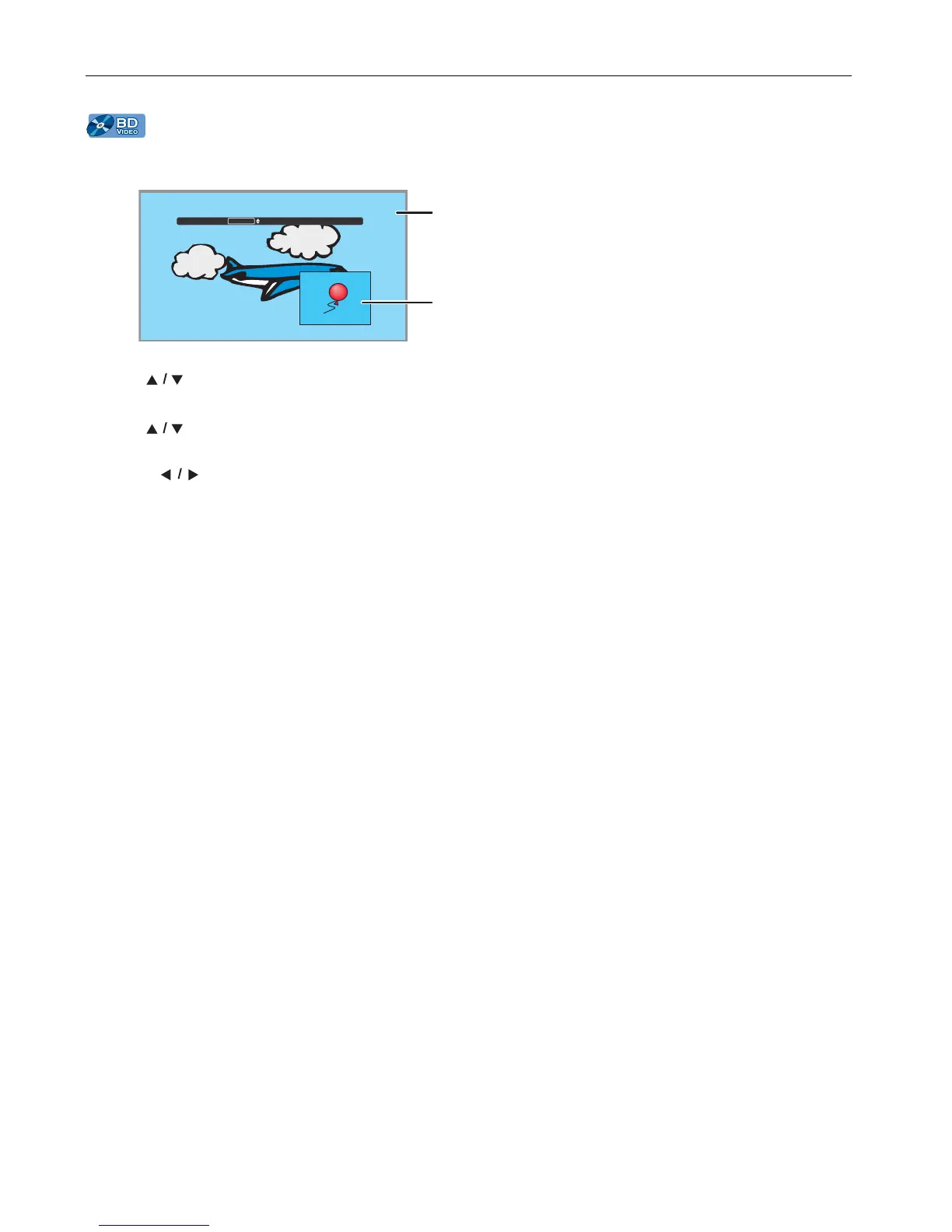
Some BD-videos have the PiP function which enables you to display the Secondary Video in the Primary Video.
1. During playback, press [MODE] to display the Play Menu.
2. Use [] to select “PiP” then press [OK].
• PiP information will appear.
3. Use [] to select the Secondary Video you want to show.
• The Secondary Video will be displayed with the Secondary Audio.
•Use [] to switch between current setting and “Off”.
4. Press [RETURN] to Exit.
• How to select the Secondary Audio output, refer to “Switching Audio Soundtrack” on page 28.
D Note
• Not that the secondary video will be displayed at any time during playback. Depending on the scene, the secondary
video may not be available.



 To Next Page