2.2. Product Info
“Product Info” screen provides information about this unit’s software version.
You can also download the latest software from the Funai website and update it yourself if it is newer than the version
currently on your unit. The current version of software on your unit can be seen on the “Product Info” screen.
To access “Product Info”, follow the procedure below.
1. Press [HOME].
2. Use [] to select “Settings”, then press [OK].
3. Use [] to select “Others”, then press [OK].
4. Use [] to select “Product Info”, then press [OK].
2.3. Symbols Used in this Owner’s Manual
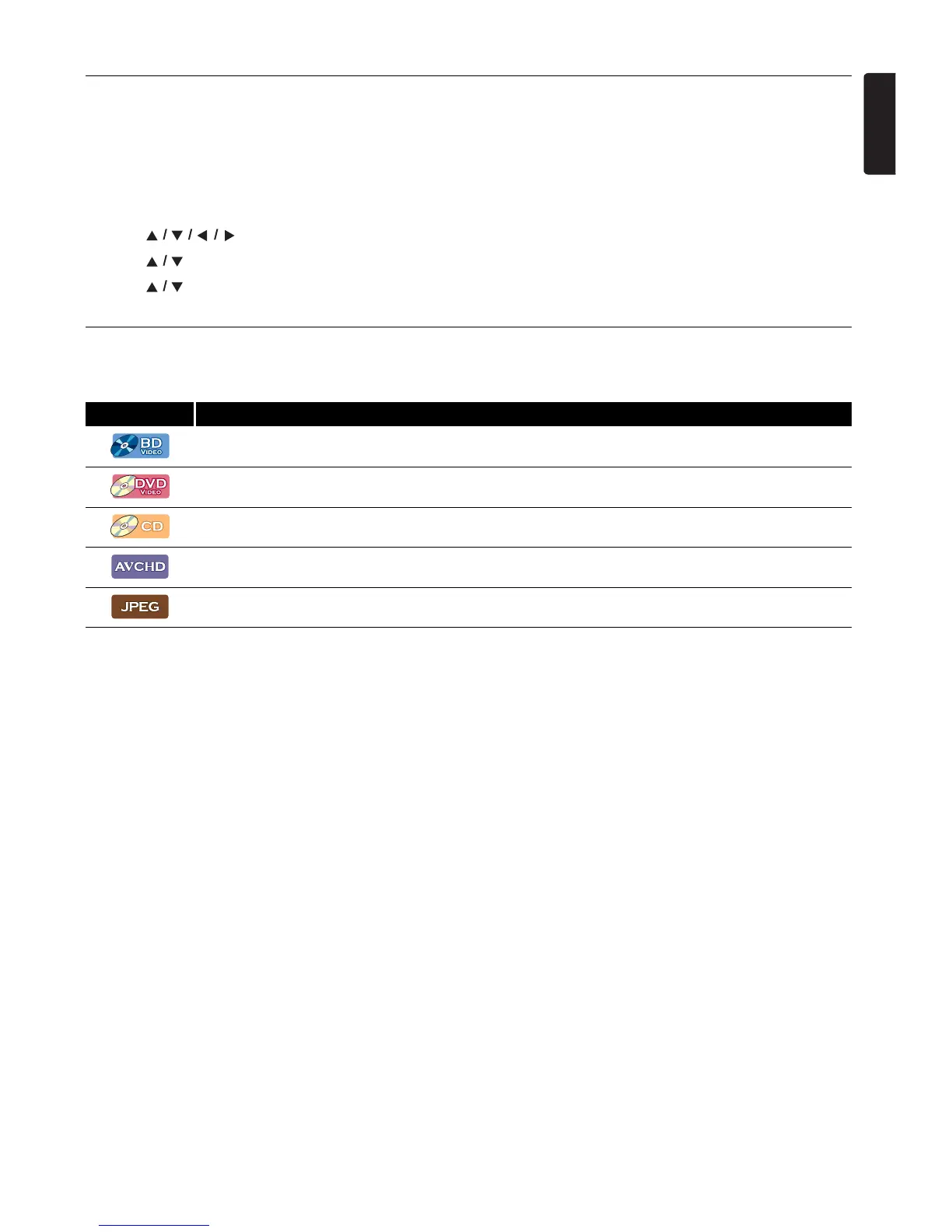
To specify which media type each function is applicable to, the following symbols that are at the beginning of each Symbol type.
If you do not find any of the symbols listed above under the function heading, the operation is applicable to all media.
Symbol Description
Description refers to BD-video
Description refers to DVD-video
Description refers to audio CD / DTS-CD
Description refers to DVD-RW/-R with AVCHD files
Description refers to BD-RE/-R, DVD-RW/-R, CD-RW/-R and USB Memory Stick with JPEG files



 To Next Page