9. LIST OF SETTINGS
In “Settings”, you can customize various kinds of settings as you prefer.
Refer to the following instructions to navigate through the Setup Menu.
1. Press [HOME] to access the Home Menu.
2. Use [] to select “Settings”, then press [OK].
3. Use [] to select the desired Category, then press [OK].
4. Use [] to move up and down the list to select Menus / Options.
5. To make a selection or to access options of an item, select the desired item, then press [OK].
• To go back to the previous screen, press [RETURN].
6. Press [HOME] to Exit.
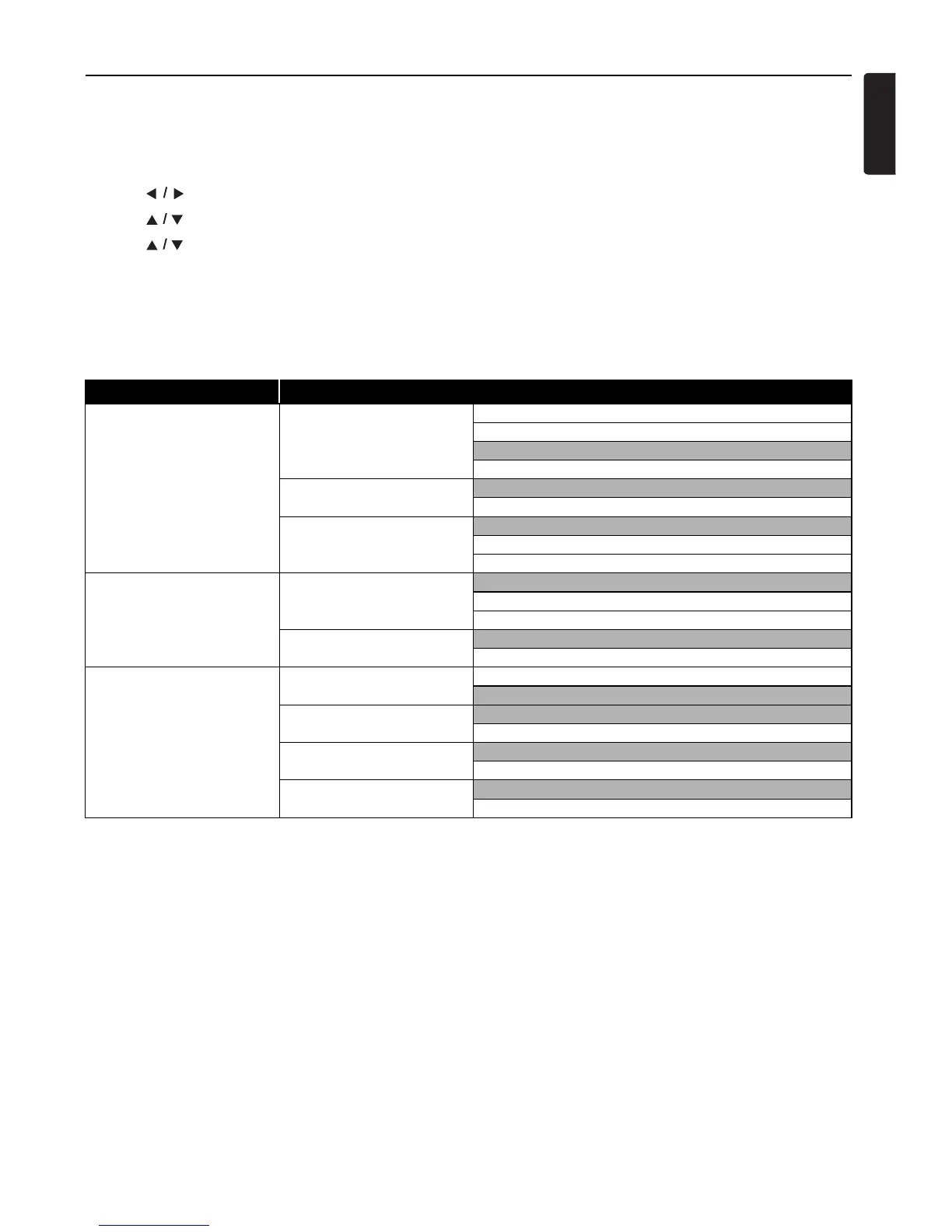
Refer to the following table for the types of settings you can customize.
The item highlighted in gray is the default setting.
Category Menus / Options
Video Out TV Aspect 4:3 Letter Box
4:3 Pan & Scan
16:9 Wide
16:9 Squeeze
Progressive Mode
Auto
Video
Still Mode
Auto
Field
Frame
AudioOut DRC
Auto
On
Off
BD Audio Mode
Mix Audio Output
HD Audio Output
HDMI fun-Link (HDMI CEC) On
Off
Video Resolution
Auto
480p
Deep Color
Auto
Off
AudioOutput
Bitstream
LPCM



 To Next Page