4. VIDEO SOUNDER OPERATION
4-15
4.8 Erasing Weak Echoes
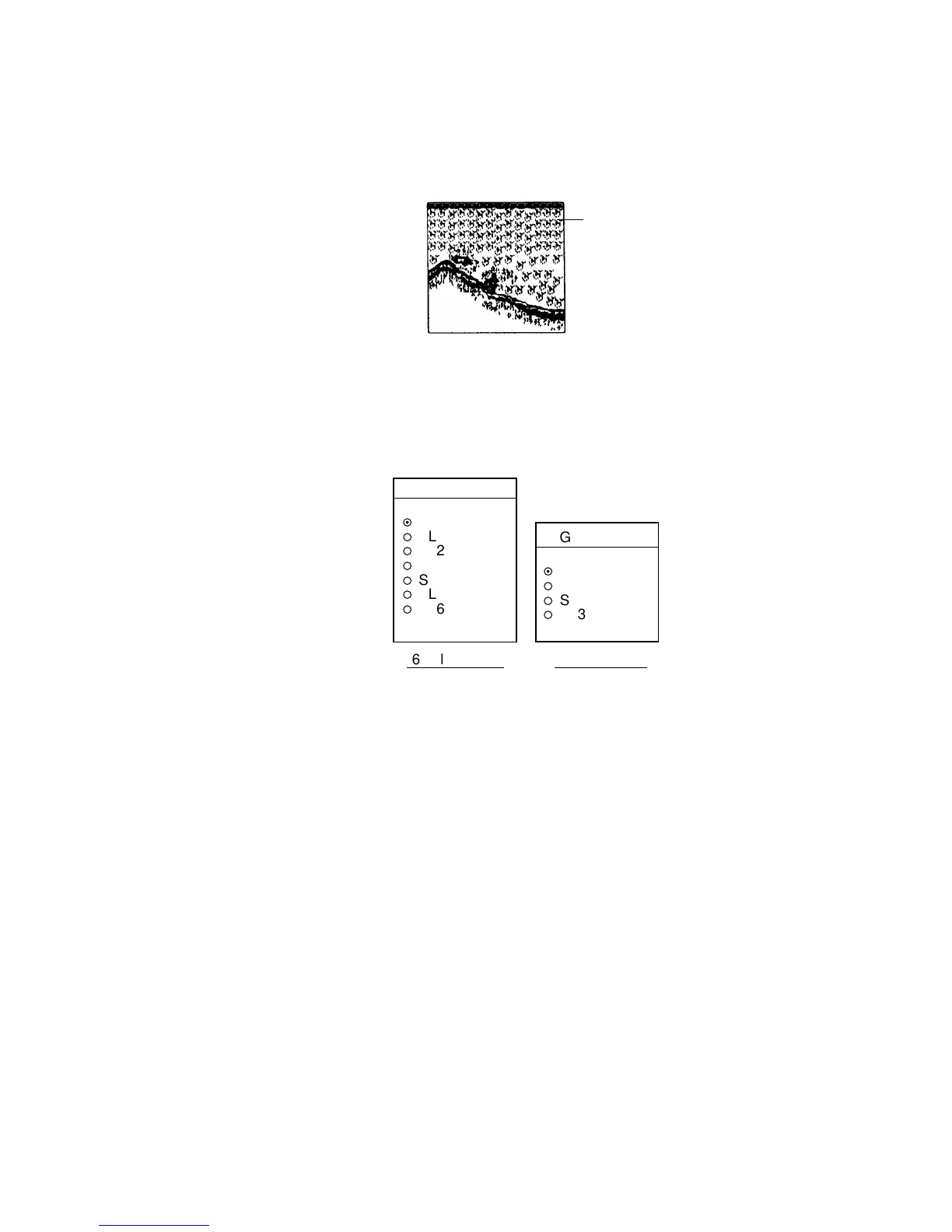
Sediments in the water or reflections from plankton may be painted on the
display in green or light blue. These weak echoes may be erased as below.
Weak
echoes
Appearance of weak echoes
1. Press the [MENU] key.
2. Press the SOUNDER MENU soft key.
3. Select SIGNAL LEVEL, and press the EDIT soft key to show the signal level
window.
SIGNAL LEVEL
▲
¤
OFF
¡
SL1
¡
SL2
¡
SL3
¡
SL4
¡
SL5
¡
SL6
▼
SIGNAL LEVEL
▲
¤
OFF
¡
SL1
¡
SL2
¡
SL3
▼
16-color display
8-color display
Signal level window
4. Use the trackball to select level of erasure or OFF as appropriate. The higher
the number the stronger the echo that will be erased.
5. Press the RETURN soft key followed by the [MENU] key to close the menu.
Note: Unlike “clutter,” signal level reduces display colors. Therefore, if you do
not wish to reduce colors, use clutter instead.



 To Next Page
 Loading...






