5. CUSTOMIZING YOUR UNIT
5-9
5.3 Plotter Setup
This paragraph provides the information necessary for setting up the plotter
display.
5.3.1 Navigation options
Navigation options, for example, waypoint switching method, may be set on the
PLOTTER SETUP menu.
1. Show the plotter display, then press the [MENU] key open the main menu.
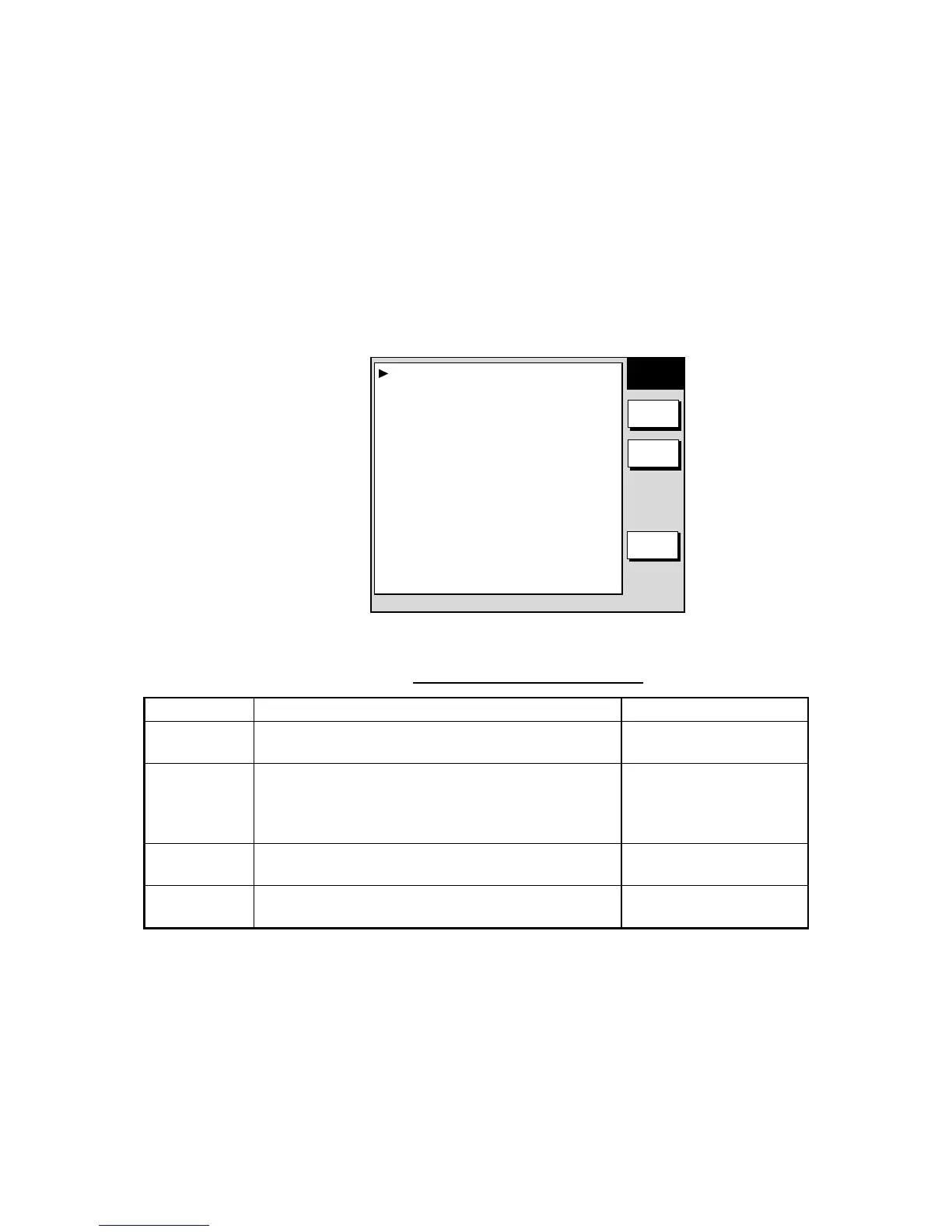
2. Press the PLOTTER SETUP soft key.
PLOTTER
SETUP
EDIT
D. BOX
RETURN
WAYPOINT SWITCHING ARRVL ALM CRCL
COURSE VECTOR LINE
SET GOTO METHOD 1POINT
Plotter setup menu
Contents of plotter setup menu
Item Description Settings
Waypoint
Switching
Chooses waypoint switching method. See
“switching waypoints” on page 3-50.
Perpendicular, Arrvl Alm
Crcl, Manual
Course
Vector
You may extend a line from the own ship position to
show ship’s course. It may be a vector (length
depends on ship’s speed) or a simple line (course
bar).
Line, Vector, Off
Set GOTO
Method
Sets the method by which to navigate to a quick
point. See “3.10.1 Navigating to a quick point.”
1 Point, 35 Points,
35 Pts/Port Service
D. BOX
(soft key)
Sets up data boxes. See paragraph 5.5.



 To Next Page
 Loading...






