2. RADAR OPERATION
2-25
2.18.4 Trail color
Trails may be shown target trails in blue, yellow, green or white.
1. If not displayed, press the [HIDE/SHOW] key to show the radar soft keys.
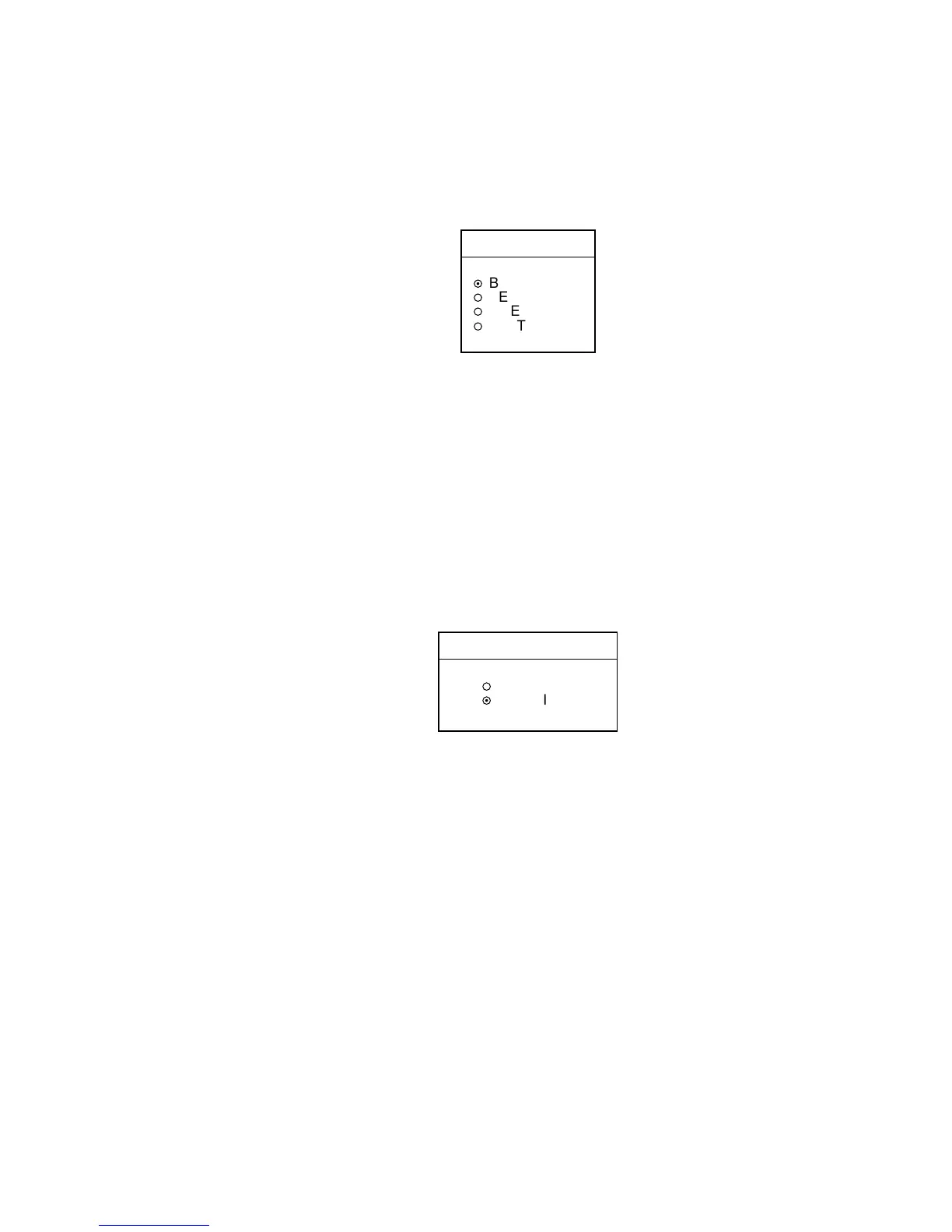
2. Press the TARGET, TRAIL and TRAIL COLOR soft keys in that order.
TRAIL COLOR
▲
¤
BLUE
¡
YELLOW
¡
GREEN
¡
WHITE
▼
Trail color window
3. Use the trackball to select the color desired, then press the ENTER soft key.
4. Press the RETURN soft key twice.
2.18.5 Echo trail mode
Echo trails can be shown in Relative or True motion. (True trails require heading
and speed inputs.)
1. Press the [MENU] key.
2. Press the RADAR DISPLAY SETUP key.
3. Choose TRAIL MODE, then press the EDIT soft key.
TRAIL MODE
▲
¡
TRUE
¤
RELATIVE
▼
Trail mode window
4. Select TRUE or RELATIVE as appropriate, then press the ENTER soft key.
5. Press the [MENU] key to close the menu.



 To Next Page
 Loading...






