3. SETTING AND ADJUSTMENT
3-4
7. Press [0] key to show the [INITIALIZE] menu.
[INITIALIZE]
1 BACK
2 [ECHO ADJ]
3 [SCANNER]
4 [INSTALLATION]
5 [OWN SHIP INFO]
6 [TT PRESET]
7 [NETWORK]
8 [OTHER]
9 [FACTORY]
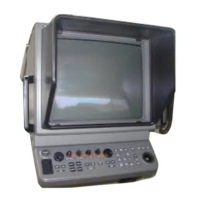
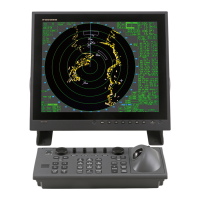
Note: See next page to access the INITIALIZE menu with the trackball style control unit
RCU-015.
8. Press [2] key to open the [ECHO ADJ] menu.
[ECHO ADJ]
1 BACK
2 CABLE ATT ADJ
AUTO/MANUAL
30
3 HD ALIGN
000.0°
4 TIMING ADJ
0
5 MBS
0
6 DEFAULT ANT HEIGHT
5/7.5/10/15/20/
25/30/35/40/45/
more 50 m
7 NEAR STC CURVE
2/2.5/3/3.5/4.2
8 MID STC CURVE
3/4/5/6
9 FAR STC CURVE
6/7/8
0 RING SUPPRESSION
0
ECHO ADJ menu
9. Press [3] key to choose the HD ALIGN option.
10. Key in the bearing difference. The setting range is 0 to 359.9°
11. Confirm that the target echo is displayed at correct bearing on the screen.
12. Press the [MENU] key to finish.


 To Next Page