1. OPERATION
13
1.11.5 Dimmer unit setting
Follow the procedure below to set up the dimmer unit (RD-502).
1. Press the MENU/ESC key to open the main menu.
2. Select [3 SYSTEM], then press the ENT key.
3. Select [6 RD-502], then press the ENT key. The options pop-up window shown
right appears.
4. Select [ON] or [OFF], then press the ENT key. [ON] allows remote operation from
the RD-502; [OFF] disables operations from the RD-502.
5. Press the DISP key to close the menu.
1.11.6 Interference rejector setting
If the DS-85 receives interference from another echo sounder, sonar or other electronic device
onboard your vessel, use the interference rejector to reduce the interference.
Note: The external KP must be connected to use the interference rejector. Contact a FURUNO
agent or dealer for details.
1. Press the MENU/ESC key to open the main menu.
2. Select [3 SYSTEM], then press the ENT key.
3. Select [5 IR], then press the ENT key. The options pop-up window shown right ap-
pears.
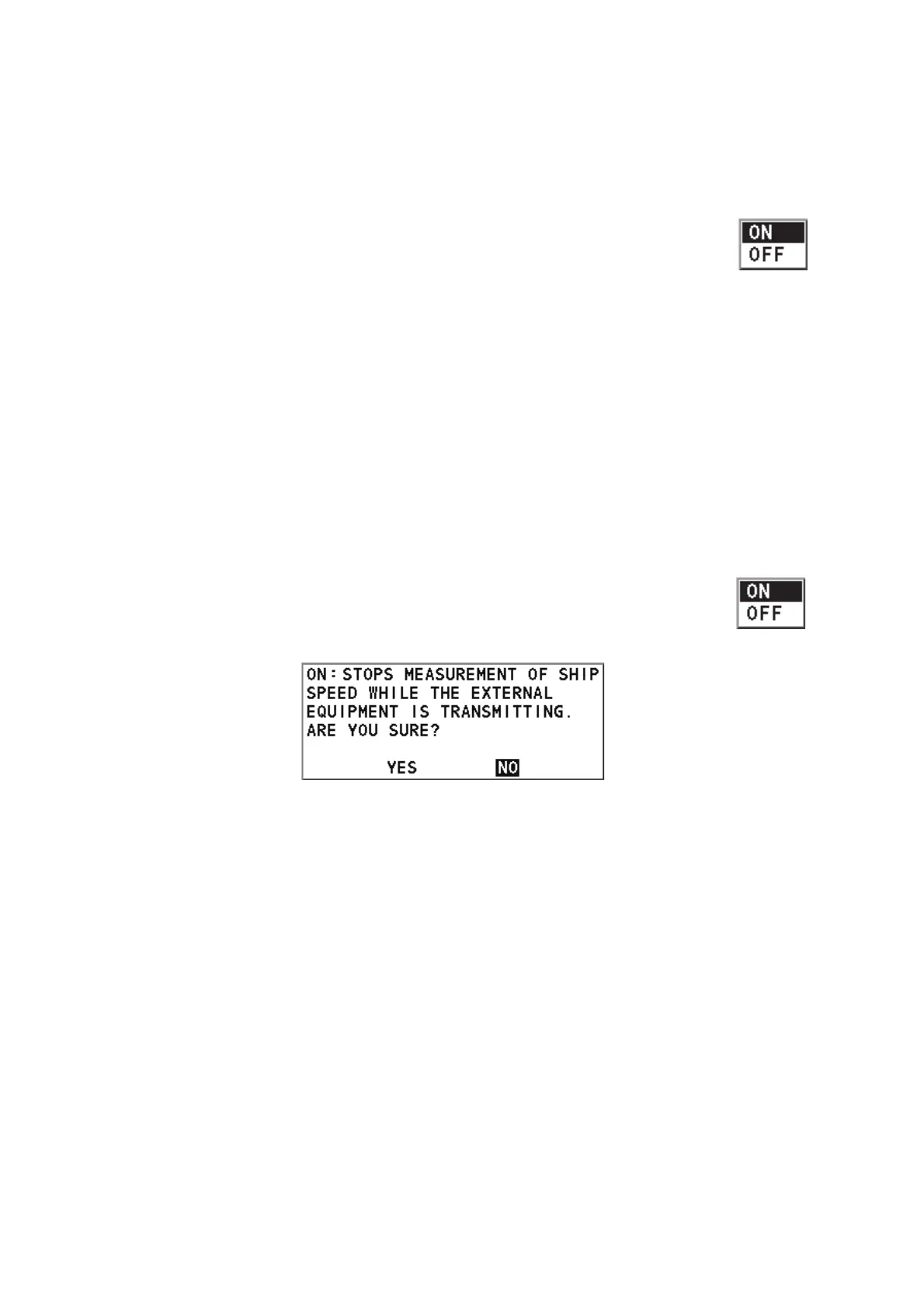
4. Select [ON] to activate the interference rejector, then press the ENT key. The fol-
lowing message appears.
5. Select [YES], then press the ENT key.
6. Press the DISP key to close the menu.



 To Next Page
 Loading...



