13
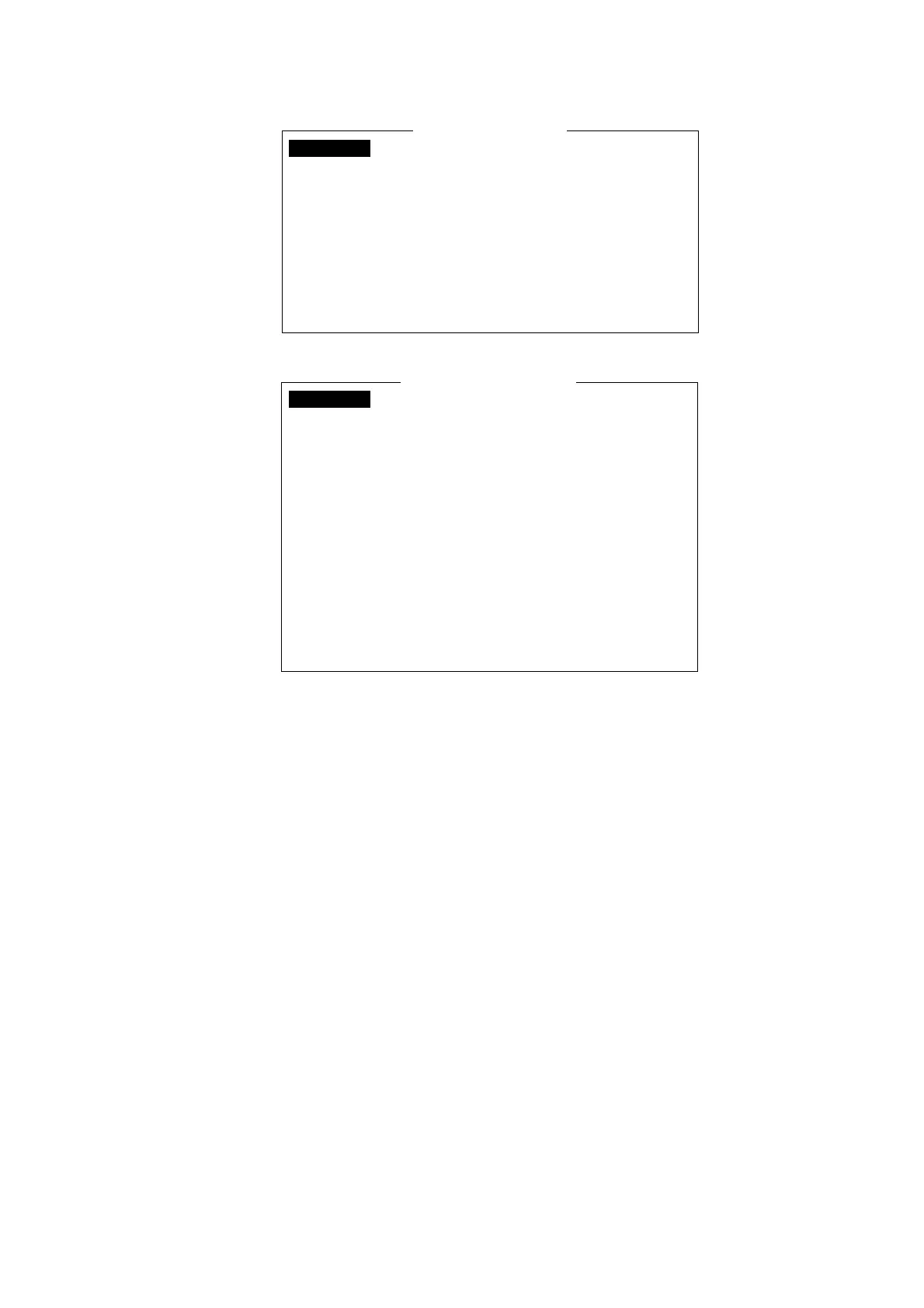
15. Press the [2] key to display the SSAS Message Contents menu.
SSAS Message Contents
_ _ _ _ _ _ _ _ _ _ _ _ _ _ _ _ _ _ _ _ _ _ _ _ _ _ _ _ _ _
_ _ _ _ _ _ _ _ _
_ _ _ _ _ _ _ _ _
_ _ _ _ _ _ _ _ _
_ _ _ _ _ _ _ _ _ _ _ _ _ _ _ _ _ _ _ _ _ _ _ _ _ _ _ _ _ _ _ _ _ _ _ _ _ _ _ _ _ _ _ _ _ _ _ _ _ _ _
_ _ _ _ _ _ _ _ _ _ _ _ _ _ _ _ _ _ _ _ _ _ _ _ _ _ _ _ _ _ _ _ _ _ _ _ _ _ _ _ _ _ _ _ _ _ _ _ _ _ _
_ _ _ _ _ _ _ _ _ _ _ _ _ _ _ _ _ _ _ _ _ _ _ _ _ _ _ _ _ _ _ _ _ _ _ _ _ _ _ _ _ _ _ _ _ _ _ _ _ _ _
34: 44. 46N
135: 21. 26E
02/04/2012 04:31:48 (UTC)
071 deg
00 kt
02/04/2012 04:31:48 (UTC)
Vessel Name :
Call Sign :
:
IMN
_ _ _ _ _ _ _ _ _
:
MMSI
IMO :
Other Inf. :
LAT:
LON:
Time:
COURSE:
SPEED:
Time:
SSAS Message Contents
_ _ _ _ _ _ _ _ _ _ _ _ _ _ _ _ _ _ _ _ _ _ _ _ _ _ _ _ _ _
_ _ _ _ _ _ _ _ _
_ _ _ _ _ _ _ _ _
_ _ _ _ _ _ _ _ _ _ _ _ _ _ _ _ _ _ _ _ _ _ _ _ _ _ _ _ _ _ _ _ _ _ _ _ _ _ _ _ _ _ _ _ _ _ _ _ _ _ _ _ _ _ _
_ _ _ _ _ _ _ _ _ _ _ _ _ _ _ _ _ _ _ _ _ _ _ _ _ _ _ _ _ _ _ _ _ _ _ _ _ _ _ _ _ _ _ _ _ _ _ _ _ _ _ _ _ _ _
_ _ _ _ _ _ _ _ _ _ _ _ _ _ _ _ _ _ _ _ _ _ _ _ _ _ _ _ _ _ _ _ _ _ _ _ _ _ _ _ _ _ _ _ _ _ _ _ _ _ _ _ _ _ _
34: 44. 46N
135: 21. 26E
02/04/2012 04:31:48 (UTC)
071 deg
00 kt
02/04/2012 04:31:48 (UTC)
Vessel Name :
MMSI :
IMN :
Other Inf. :
LAT:
LON:
Time:
COURSE:
SPEED:
Time:
FELCOM 15/16
FELCOM 18/19
_ _ _ _ _ _ _ _ _ _ _ _ _ _ _ _ _ _ _ _ _ _ _ _ _ _ _ _ _ _ _ _ _ _ _ _ _ _ _ _ _ _ _ _ _ _ _ _ _ _ _
_ _ _ _ _ _ _ _ _ _ _ _ _ _ _ _ _ _ _ _ _ _ _ _ _ _ _ _ _ _ _ _ _ _ _ _ _ _ _ _ _ _ _ _ _ _ _ _ _ _ _
_ _ _ _ _ _ _ _ _ _ _ _ _ _ _ _ _ _ _ _ _ _ _ _ _ _ _ _ _ _ _ _ _ _ _ _ _ _ _ _ _ _ _ _ _ _ _ _ _ _ _
16. Press the [Enter] key to open the Vessel Name window.
17. Enter vessel’s name and then press the [Enter] key.
18. Press the [↓] key to choose MMSI and then press the [Enter] key.
19. Enter MMSI number and then press the [Enter] key.
20. Press the [↓] key to choose IMN and then press the [Enter] key.
21. Enter IMN and then press the [Enter] key.
22. Press the [↓] key to choose Other Inf. and then press the [Enter] key
23. Enter appropriate message (for FELCOM15/16: three lines, for FELCOM18/19: six lines)
and then press the [Enter] key.
Note: To shift between lines, use the [↑] or [↓] key.
24. Press the [Esc] key to open the Update window.
25. Yes is selected; press the [Enter] key to close the SSAS Message Contents menu.
26. Press the [Esc] key twice to return to the standby display.
Note 1: To delete entered subscriber’s data, choose “Remove” from “Status.”
Note 2: SSAS report settings may be saved to a floppy disk for backup.
FELCOM 15: [F8], [9], [6] to show the Save/Load window.
FELCOM 16: [F8], [8], [6] to show the Save/Load window.
FELCOM 18/19: [F8], [8], [6] to show the Export/Import window.



 To Next Page