8. DATA RECORD/RECALL
8-8
8.7 How to Load User Program Data
There are two methods you can use to load saved setting data:
1) Load the saved data for all settings (P1 to P10) at once
2) Load only the specified settings data
8.7.1 How to load data for all settings at once
This section shows you how to load all the setting information saved at section 8.6.
1. Open the menu.
2. Left-click [5 Record/Recall/Register].
3. Left-click [8 Setting File].
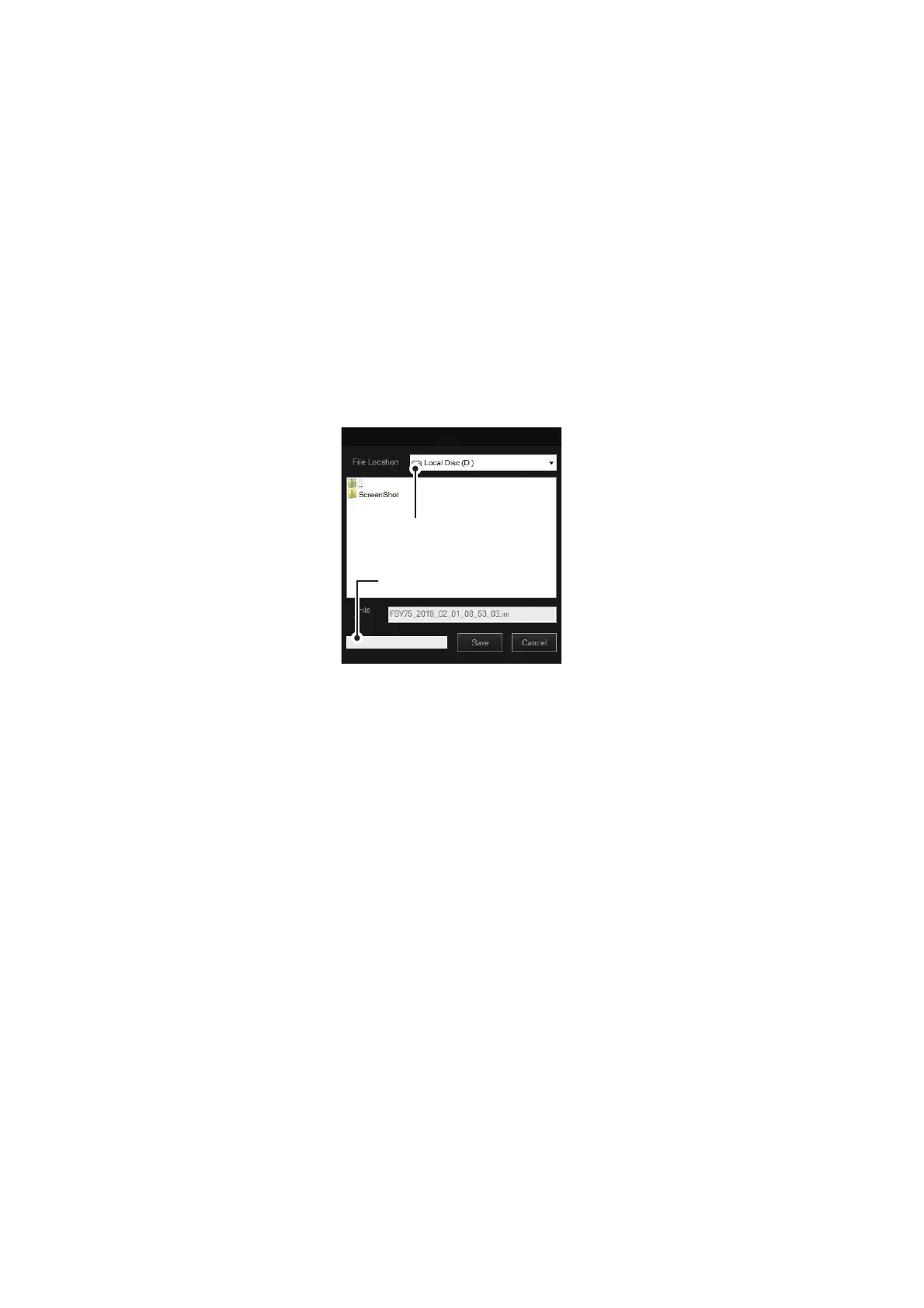
4. Left-click [2 Load] to show the [Load] window.
5. Select the file to load, from the destination list. The selected file appears in the
[File Name] box.
6. Left-click the [Load] button.
The progress bar shows the loading progress. The [Setting File] menu appears
when the loading is completed.
7. Close the menu.
Load
Drop-down list of
destinations
Drop-down list of
destinations
Progress bar



 To Next Page