2. SLANT MODE
2-37
2.23 Menu Items Descriptions
This section presents menu items for the slant mode which have not been mentioned
previously.
2.23.1 Display Setting menu
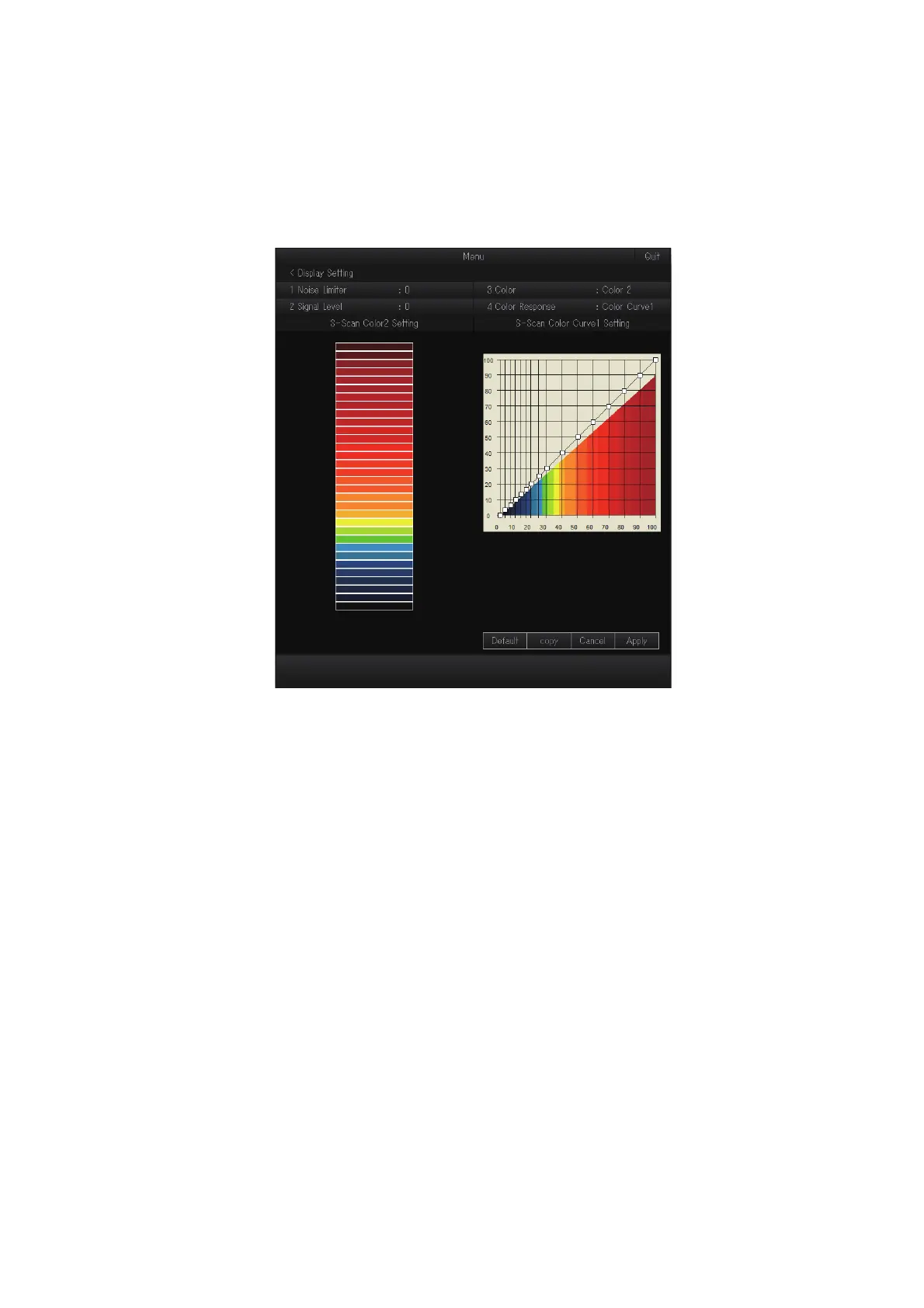
[2 Signal Level]: Contaminated water or reflections from plankton may be painted on
the screen in green or light-blue. These echoes may be erased by strength. The set-
ting range is [0] to [31]; [0] corresponds to the weakest color. Echoes weaker than the
strength level set here are erased.
[3 Color]: Select the color arrangement to use. There are four colors to select from
and a mix of colors that is easy to see is recommended.
[4 Color Response]: Select the color curve to use for echoes based on echo strength.
There are four color curves available.
[S-Scan Color1 (2 to 4) Setting]: You can customize the echo colors from this menu
item. See the procedure on the next page.



 To Next Page