1. OPERATIONAL OVERVIEW
1-2
Touch control description
The basic operations are in the tables that follow.
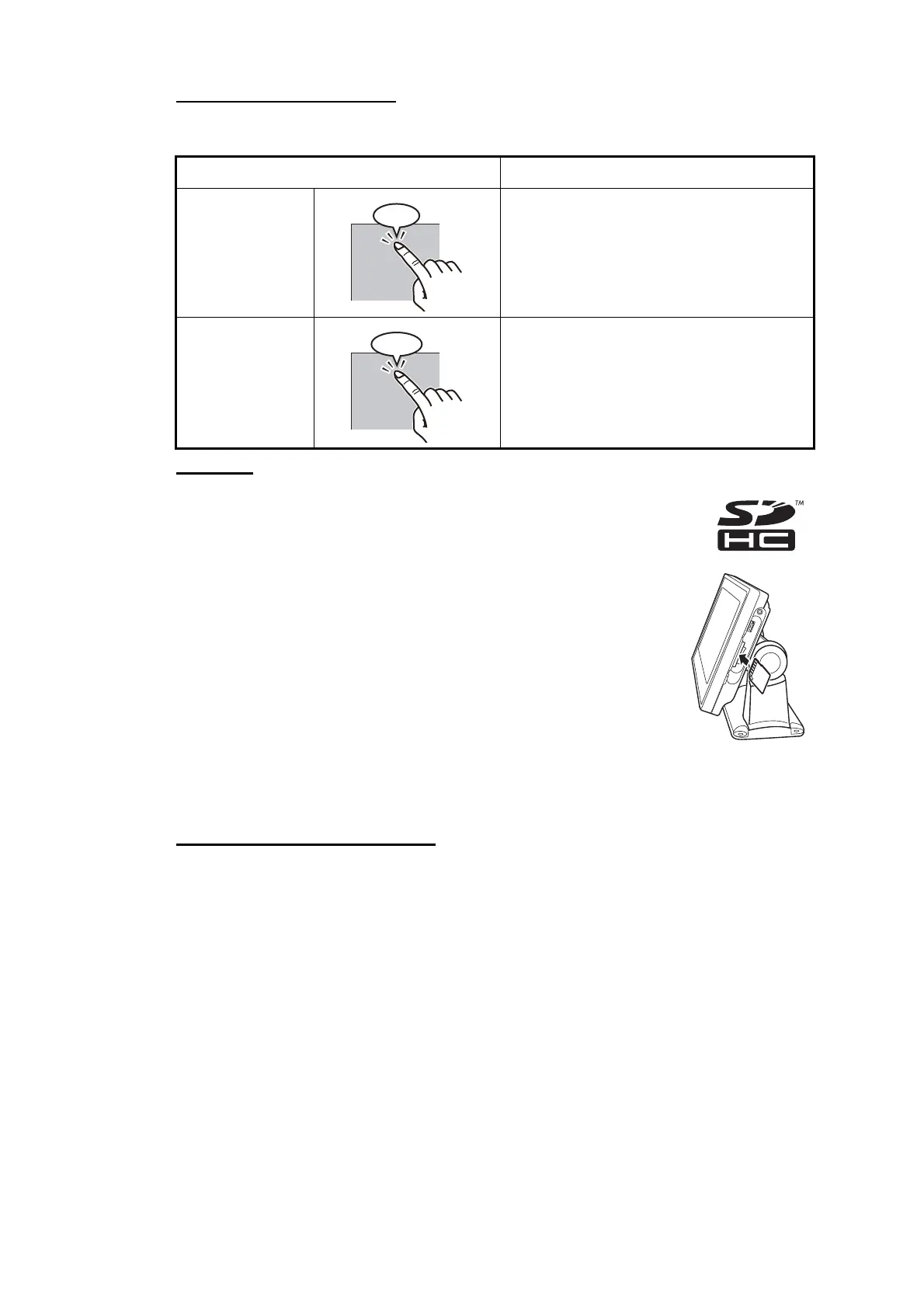
SD cards
The SD cards store ship’s tracks, routes and points. The unit accepts
SD and SDHC (Secure Digital High Capacity) type cards and the max-
imum capacity is 32 GB.
To set a card in the slot, insert the card as shown in the illustra-
tion. If the card does not go in easily, do not use force. Push the
card until the card is in position.
To remove a card, Tap [Eject SD] from [Menu].
Remove the card (with your fingers) after the message "You can eject SD card safely."
appears.
Care and handling of SD cards
• Handle the cards carefully; rough handling can damage the card and destroy its
contents.
• Make sure the cover is closed at all times. Insert the card fully or remove the
card; the cover cannot be closed if the card is inserted partially.
• Remove a card with only your fingers. Do not use metal instruments (like tweezers)
to remove the card.
• Do not remove a card during the reading of the card or writing to the card, to prevent
damage to the card and loss of the data stored on the card.
• If the cover gets wet, DO NOT open the cover. Remove the water with a dry cloth
completely and then open the cover.
• Stop the vessel before reading or writing data to an SD card.
Operation with a finger Function
Tap • Move the map and display the cursor.
• Select a menu item.
• Select an object or position to display
the related pop-up menu.
• Confirm the operation.
Long tap • Long tap the [Point] key to put an MOB
(ManOverBoard) mark.
• Move the selected point.
• Display the pop-up menu for some list
item.
Tap!
Hold!



 To Next Page
 Loading...
