8
3. MAINTENANCE
3.1 Regular Maintenance
• Confirm that the power terminal and ground terminal are securely fastened and clean. If a ter-
minal is corroded, remove the corrosion with a wire brush.
• Remove dust from the printer with a clean, dry cloth. Remove dust from the air vent with a vac-
uum cleaner.
3.2 Printer Status
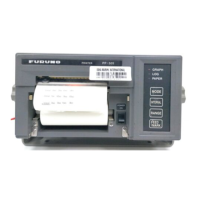
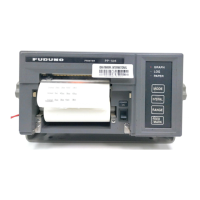
The panel lamps show the status of the printer. An error is referring to following table.
Other lamps
Status
On Line
(green)
Paper Out
(orange)
Remarks
Printing ST-BY On Off
Paper near end On Blinking Replace roll paper.
End of paper Off On Replace roll paper.
Release lever opened Off – Push down the lever.
Eject malfunction Off Blinking Confirm the paper feeder.
Printing head hot Blinking – Do not touch the printing head.
Adjust paper position Blinking –
Other malfunctions Blinking Blinking Mode lamp blinking.
Tear Off lamp Both LEDs blink when the roll paper is on the paper cutting location.
Mode lamp
The Mode 1 (default character mode) is selected and should not be
changed
.
NOTICE
Do not apply paint, anti-corrosive sealant
or contact spray to coating or plastic
parts of the equipment.
Those items contain organic solvents that
can damage coating and plastic parts,
especially plastic connectors.


 To Next Page