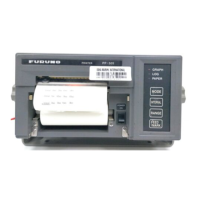
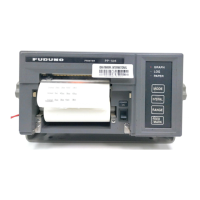
iii
TABLE OF CONTENTS
FOREWORD................................................................................................................... iv
1. OPERATION ............................................................................................................. 1
1.1 Parts Name and Functions............................................................................................1
1.2 Keys and Lamps on the Control Panel ..........................................................................1
1.3 Paper Operations ..........................................................................................................2
2. INSTALLATION ........................................................................................................ 3
2.1 Mounting Considerations...............................................................................................3
2.2 Mount the Printer...........................................................................................................4
2.3 Wiring ............................................................................................................................4
2.4 How to Set the Paper ....................................................................................................5
2.5 How to Set the Ink Ribbon Cartridge.............................................................................7
3. MAINTENANCE........................................................................................................ 8
3.1 Regular Maintenance ....................................................................................................8
3.2 Printer Status................................................................................................................. 8
3.3 Self Test ........................................................................................................................9
SPECIFICATIONS ..................................................................................................... SP-1
OUTLINE DRAWING................................................................................................... D-1


 To Next Page