2. INSTALLATION
5
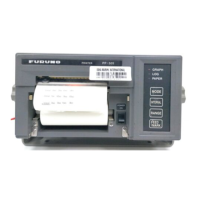
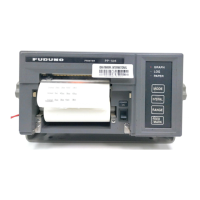
2.4 How to Set the Paper
A roll paper comes with the printer. Use only the roll paper (Type: A2 1PLYW, Code number: 000-
167-226-10)
Replace the roll paper
1. Get into the offline mode and cut off the paper.
2. Press the Eject key to eject the paper.
3. Turn the power off and remove the printer cover.
4. Remove the paper cover.
5. Lift the roll bar and take out the roll paper (and paper core).
6. Insert the roll bar into the new roll paper. Confirm the roll paper direction.
7. Lift up the paper near end bar and set the roll paper on the roll paper cradle.
8. Pull the release lever forward. Manually feed the paper over the paper guide bar and into the
printer under the platen.


 To Next Page