1
1. OPERATION
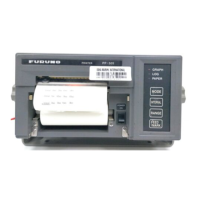
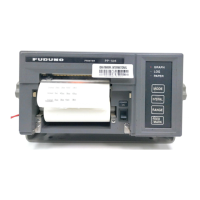
1.1 Parts Name and Functions
1.2 Keys and Lamps on the Control Panel
The lamps on the control panel show printer status. The keys access the printer functions.
See section 3.2 for the printer status.
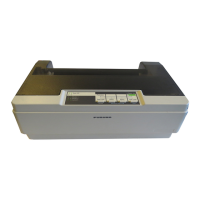
Power switch Turn the power on (|) or off (O).
Printer cover Open to replace the ink ribbon cartridge; clear a paper jam. Keep the cover
closed otherwise.
Control panel Control the printer functions (see the next section).
Platen knob Eject the paper manually. Clear a paper jam. Do not touch in the Online mode.
Release lever Release paper to straighten or remove it.


 To Next Page