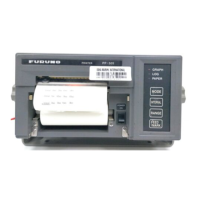
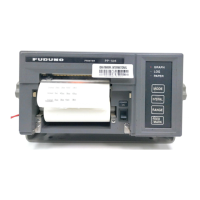
3
2. INSTALLATION
2.1 Mounting Considerations
General mounting considerations
• Select a location that is level and stable.
• The location should be well ventilated.
• Select a location that satisfies the operating environment stated in the specifications.
• Category of unit: Protected from the weather.
• Do not mount the printer on a table that is narrower than the bottom plate of the printer. This
may tilt the printer, which can damage the printer mechanism and paper feeder.
• Leave sufficient space around the printer to allow for easy replacement of roll paper or ink rib-
bon cartridge.
• Refer to the outline drawing at the end of this manual for mounting dimensions.
Do not mount the printer where it may be exposed to the following:
• Direct sunlight
• Dusty place
• Water splash or spray
• Volatile solvent
• Near a heater or air conditioner
• Near a humidifier
• Radio noise from television set or radio receiver
• A place with static electricity


 To Next Page