3. EQUIPMENT SETUP
3-9
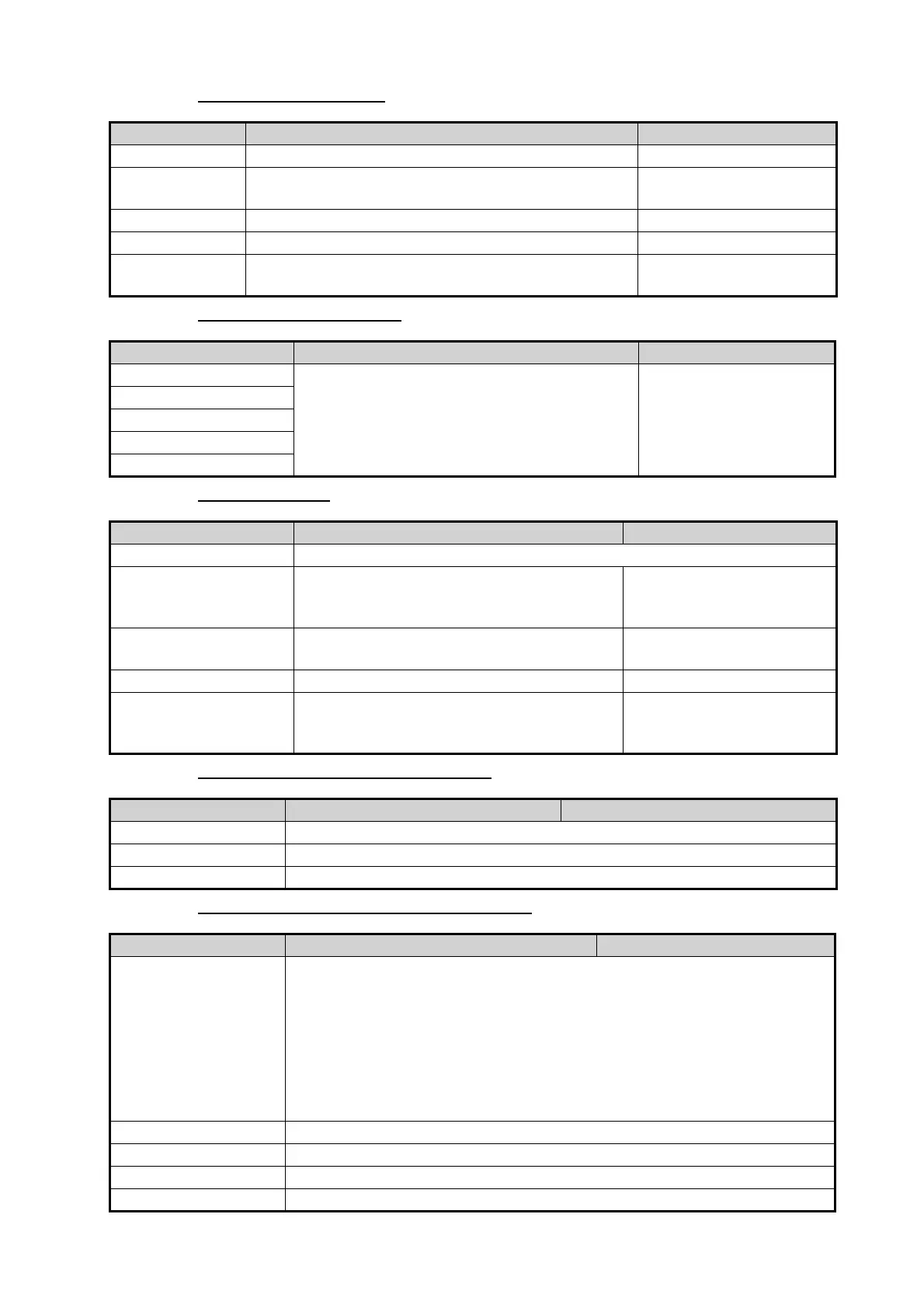
[CALIBRATION] menu
[DATA DAMPING] menu
[FUSION] menu
[BROWSER INSTALLATION] menu
[Initial Setup] menu (Other menu items)
Menu item Description Options (setting range)
[Heading] Offset heading data. -180.0° to +180.0°
[Speed Through
Water]
Calibrate speed data. Enter amount in percentage. -50% to +50%
[Wind Speed] Offset wind speed data. Enter amount in percentage. -50% to +50%
[Wind Angle] Offset wind angle data. -180° to +180°
[Sea Surface
Temperature]
Offset sea surface temperature data. -10°C to +10 °C
Menu item Description Options (setting range)
[COG & SOG] Set data damping time. The lower the setting
the faster the response to change.
0 to 59 (seconds)
[Heading]
[Speed Through Water]
[Wind Speed & Angle]
[Rate of Turn]
Menu item Description Options (setting range)
[Connect to Fusion] Connects to your Fusion equipment.
[Fusion Auto Volume] Set to [ON] to allow the NavNet TZT2BB unit
to control the FUSION volume. Volume is
adjusted according to vessel speed.
[OFF], [ON]
[Minimum Speed] Set the minimum speed threshold. Exceed-
ing this speed activates volume auto control.
0.0 (kn) to 98.9 (kn)
[Maximum Speed] Set the maximum speed threshold. 0.1 (kn) to 99.0 (kn)
[Volume Increase] Set the amount of extra volume to output
when the vessel reaches the [Maximum
Speed] setting.
10% to 50%
Menu item Description Option (setting range)
[FAX-30 Browser] Show the Facsimile Receiver FAX-30 display.
[FA-30 Browser] Show the AIS Receiver FA-30 display.
[FA-50 Browser] Show the AIS Receiver FA-50 display.
Menu item Description Option (setting range)
[Chart Master Device] Set to [ON] to use this unit as the master, [OFF] to use this unit as a slave.
(This menu does not appear on monitors connected to the HDMI OUT2
port.)
Note 1: Set to [ON] on one of the TZT2BB on the network. For two or more
TZT2BB, set to [ON] for only one unit.
Note 2: For two or more TZT2BB, do not re-set this item once it has been
set. If you set it incorrectly, get the unlock code. For information on how to
get the unlock code, refer to Troubleshooting in the operator’s manual.
[System ID] The system ID for this device within the network.
[IP Address] IP address for this unit within the network.
[Synchronization Log] Displays the network synchronization log.
[Quick Self Test] Displays various details regarding the TZT2BB unit, radar and fish finder.


 To Next Page
 Loading...












