10
Mute
• PresstheMutekeytomutetheaudiooutput.TheMuteiconisdisplayed
over the top of the current input source screen.
• PresstheMutekeyagaintounmutetheaudiooutput.Thevolumecontinues
at the previously set level.
To adjust the volume level:
1. TurntheEncoder.
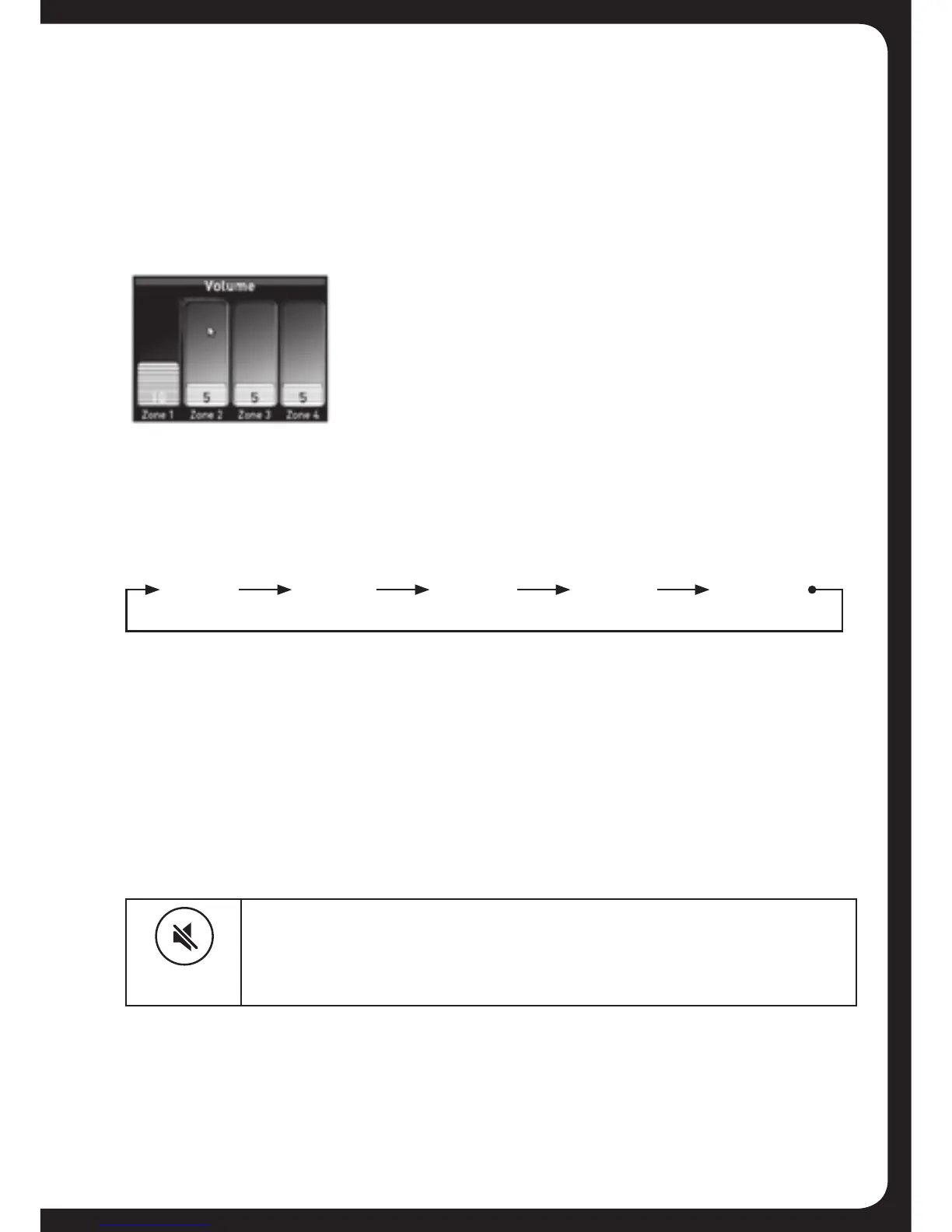
• TheVolumescreenisdisplayedwiththeCurrentZoneSelection
Highlighted(rememberedfromprevioususe).
• ThevolumeisadjustedinthehighlightedZone(orZones)only.
2. Ifrequired,presstheEncodertohighlightthenextZonetoadjustits
volume level.
WhiletheVolumescreenisdisplayed,eachpressoftheEncoderwill
highlight available Zones in the following order:
3. Whennished,presstheMenukey(orleavetotimeout)tosavethe
current volume level and exit.
MUTING OUTPUT
To mute and unmute the volume:
Zone 1 Zone 4Zone 2 All ZonesZone 3


 To Next Page
 Loading...