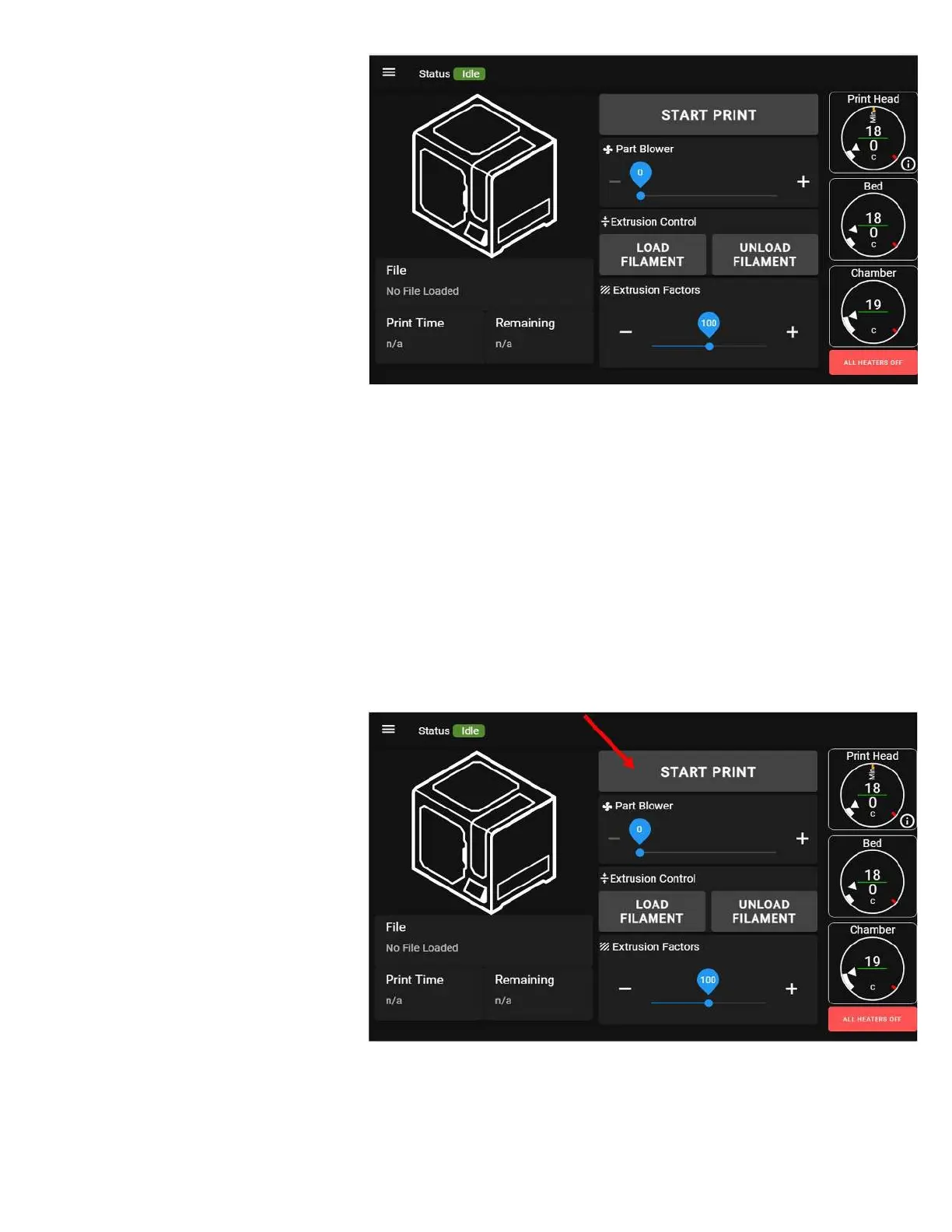
4. Once the script completes, you will
see the main status screen on the
LCD.
LOAD FILAMENT & PREPARE THE PRINT BED
Please refer to the Loading Filament section for instructions on loading filament.
Please refer to the Cleaning & Preparing the Bed section for instructions on preparing the bed for printing.
Make sure the main door is closed. By default, you cannot start a print with the main door open, for safety.
FIRST PRINT
On the main screen on the LCD, select
the "Start Print" button. You will see a
dialog box with all of the gcode files
available to print on it.



 To Next Page