3-10 Remote Reset3-10 Remote Reset
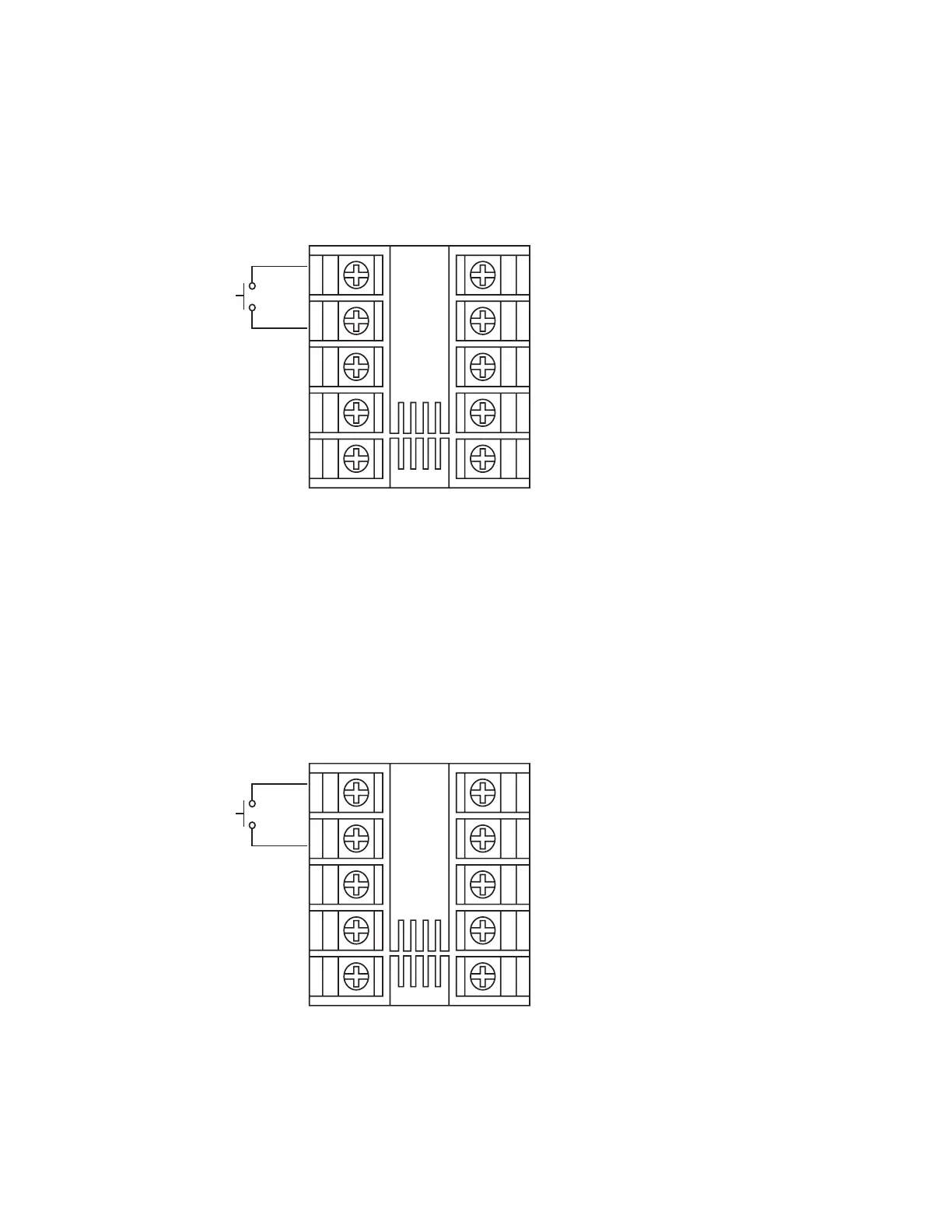
If EIFN is selected for OUT2 and REST is selected for EIFN, terminals
1 & 2 will act as remote reset input. Pressing remote reset button
will perform the same function as pressing the RESET key. Refer to
for RESET key function.section 1-4
section 1-4
Setup
OUT2 = EIFN
EIFN = REST
OUT2 = EIFN
EIFN
= REST
Remote
Reset
1
2
3
4
5
6
7
8
9
10
Figure 3-6 Remote Reset
Application
Figure 3-6 Remote Reset
Application
3-11 Remote Lock3-11 Remote Lock
If EIFN is selected for OUT2 and LOCK is selected for EIFN, terminals
1 & 2 will act as remote lock input. Turning the remote lock switch
on will keep all the parameter setting from been changed.
Setup
OUT2 = EIFN
EIFN = LOCK
OUT2 = EIFN
EIFN
= LOCK
Remote
Lock
1
2
3
4
5
6
7
8
9
10
Figure 3-7 Remote Lock
Application
Figure 3-7 Remote Lock
Application
40
UM L91-Rev 8



 To Next Page