Navus 2 Owner’s Manual 7
Where to
E
N
WhErE to
The Where to? menu provides several
different categories used to search for
locations. To learn how to perform a
simple search, see page 4.
Finding an Address
1. From the Menu page, touch
Where to > Address.
2. Select a state and city, if necessary.
3. Type the address number. Touch
Done.
4. Type the street name until a list of
streets appears, or touch Done.
5. Select the street.
6. Select a city, if necessary.
7. Select the address, if necessary.
The Go page opens.
8. Touch Go to create a route to this
address.
TIP: You can search for a postal
code. Enter the postal code instead
of the city name. (Not all map data
provides postal code searching.)
TIP: Finding an intersection is very
similartondinganaddress.Touch
Intersection, and enter the two street
names.
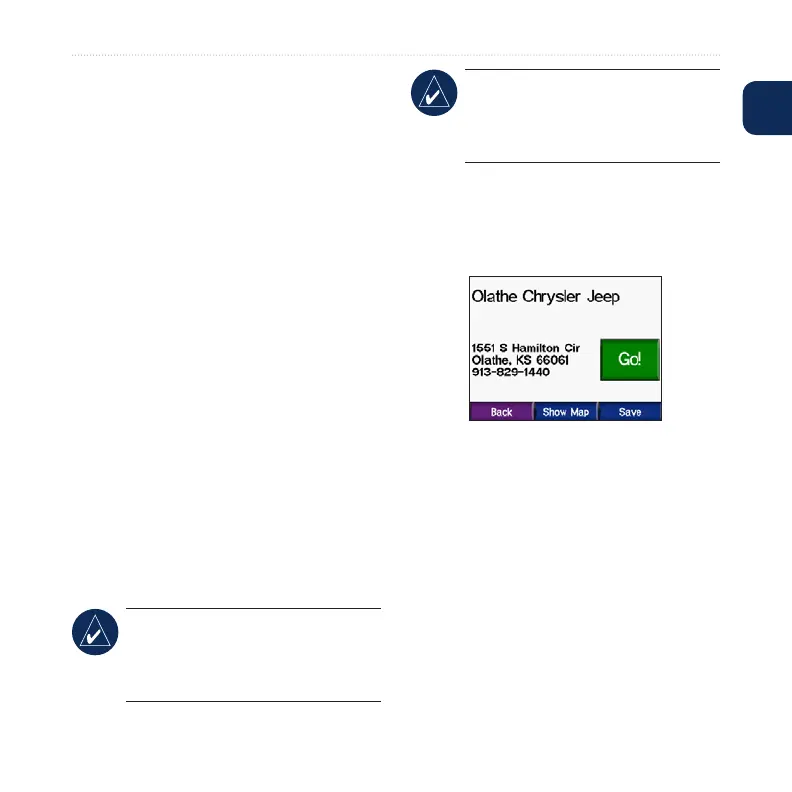
Go Page Options
Touch an item in the search results list to
view the Go page.
Touch Go to create a turn-by-turn route
to this location.
Touch Show Map to view this location
on the map. If the GPS is off, touch
Set Loc. to select this as your current
location.
Touch Save to save this location as one
of your Favorites. See page 10.















 To Next Page