nüvi 295W Quick Start Manual 3
Installing the Battery
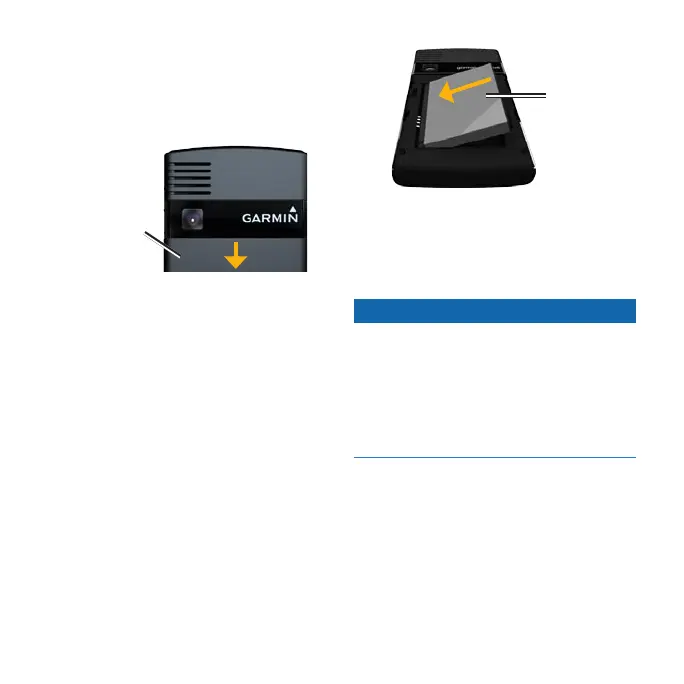
1. Pressdownrmlyonthebattery
cover, and slide it off the back of the
device.
Battery cover
2. Locate the lithium-ion battery that
came in the product box.
3. Locate the metal contacts on the end
of the lithium-ion battery.
4. Insert the battery so that the metal
contacts on the battery match up with
the metal contacts inside the battery
compartment.
Battery
5. Slide the battery cover onto the back
of the device.
Charging the Battery
Notice
Your device will not charge if the
temperature has exceeded 113°F
(45°C). If the device is mounted in the
windshield, remove it from the mount
and place it somewhere out of direct
sunlight to allow the battery to charge.
Beforeusingthedeviceforthersttime,
you must charge the battery for at least
four hours.
TIP: If you completely discharge the
battery, charge it for at least 20 minutes
before turning on your device.



 To Next Page