Use the vehicle power cable
connected to the cradle, with the
device in the cradle (preferred)
(page 4).
Use the vehicle power cable
connected directly to the device.
Use the USB cable connected to a
computer.
Use the battery charger accessory.
Use the AC power adapter accessory.
TIP: For more information about
accessories, go to www.garmin.com.
Mounting the Device
Notice
Before mounting the device, see
the Important Safety and Product
Information guide for information about
laws pertaining to windshield mounting.
•
•
•
•
•
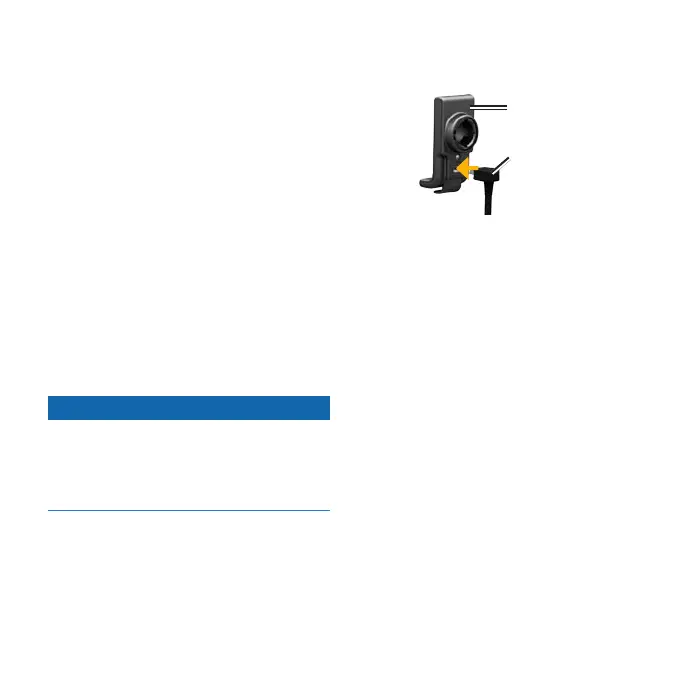
1. Plug the vehicle power cable into the
power connector.
Vehicle
power
cable
Cradle
2. Remove the clear plastic from the
suction cup.
3. Clean and dry your windshield and
the suction cup with a lint-free cloth.
4. Place the suction cup on the
windshield.
5. Flip the lever back, toward the
windshield.
4 nüvi 295W Quick Start Manual 4 nüvi 295W Quick Start Manual



 To Next Page