32 nüvi 610/660 Owner’s Manual
USING FM TRAFFIC
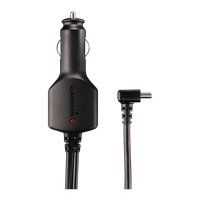
Purchasing an Additional Traffic Subscription
To renew or add traffic subscriptions, go to www.garmin.com/fmtraffic.
NOTE: You do not need to activate the subscription included with your FM traffic
receiver (if it came with one). The subscription activates automatically after your
nüvi acquires satellite signals while receiving traffic signals from the pay service
provider.
Adding a Subscription
1. On the Menu page, touch Settings > Traffic > Add.
2. Write down the FM traffic receiver’s unit ID. Go to www.garmin.com/fmtraffic to
purchase a subscription and get a code.
3. After you receive the 25-character code, touch Next on the nüvi, and enter the
code.
4. Touch Done.
You must obtain a new code each time you renew your service. If you own multiple
FM traffic receivers, you must obtain a new code for each receiver.


 To Next Page