Forerunner
®
301 Owner’s Manual 15
WORKOUTS > VIRTUAL PARTNER
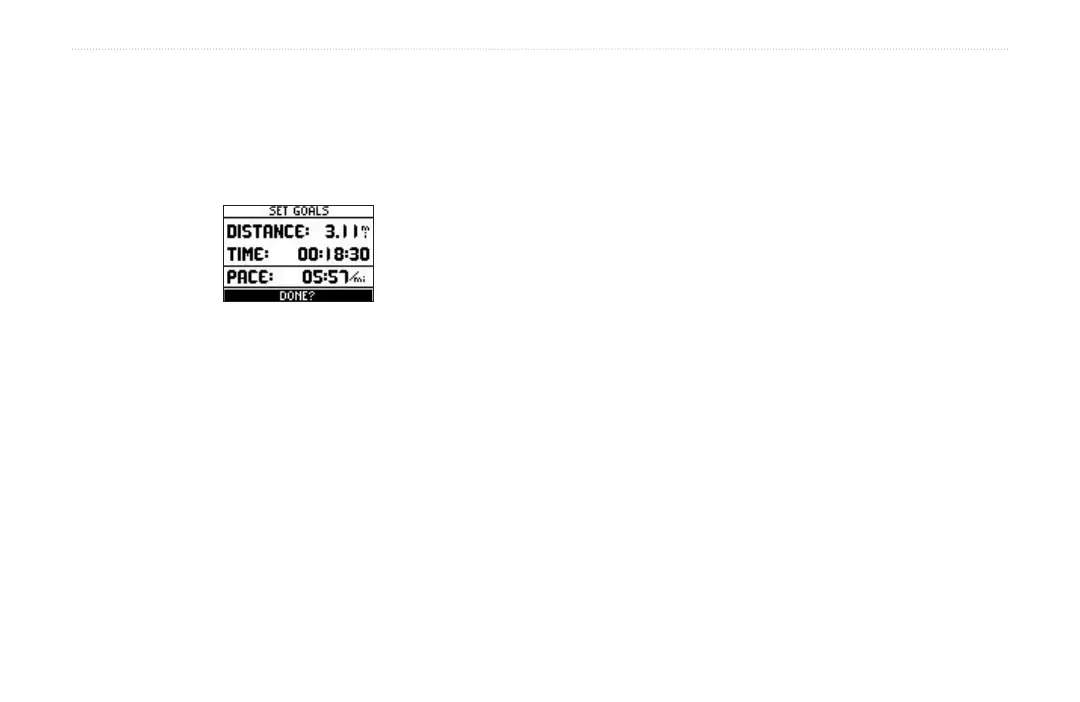
5. Check the Pace (Speed) field to ensure that the
calculated pace/speed (based on your distance and
time inputs) seems reasonable. If not, make changes
to the Distance and Time fields. Then highlight Done
and press enter.
To set up a workout by time & pace/speed:
1. Press mode to access Menu mode. Then highlight
Training Assistant and press enter.
2. Highlight Virtual Partner and press enter. Then
highlight Set Time & Pace (Speed) and press enter.
3. Highlight the Time field and press enter. Select a
time from the menu that appears, or select Custom
to enter your own time value.
4. Enter a pace/speed in the Pace (Speed) field.
5. Check the Distance field to ensure that the
calculated distance seems reasonable. Then
highlight Done and press enter.
To set up a workout by distance & pace/speed:
1. Press mode to access Menu mode. Then highlight
Training Assistant and press enter.
2. Highlight Virtual Partner and press enter. Then
highlight Set Distance & Pace/Speed and
press enter.
3. Highlight the Distance field and press enter. Select
a distance from the menu that appears, or select
Custom to enter your own distance value.
4. Enter a pace/speed in the Pace/Speed field.
5. Check the Time field to ensure that the calculated
time seems reasonable. Then highlight Done and
press enter.
To end a workout early:
1. Press mode to access Menu mode. Then highlight
Training Assistant and press enter.
2. Highlight End Partner Run and press enter.


 To Next Page