Forerunner
®
301 Owner’s Manual 49
APPENDIX > HEART RATE MONITOR INFORMATION
Troubleshooting Tips
If you have trouble pairing, or if your heart rate reading is
erratic, try the following suggestions.
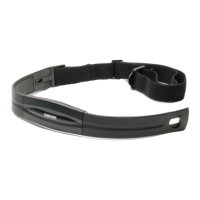
• Clean the sensors on the heart rate monitor. Dirt and
sweat build-up on the sensors can weaken heart rate
signals.
• Reapply moisture. Use electrode gel, water, or saliva.
• Make sure the heart rate monitor is snug against
your body. If you have trouble with erratic readings,
position the transmitter on your back.
• Wear a cotton shirt, or wet your shirt. Synthetic
fabrics that rub or flap against the heart rate monitor
can create static electricity that interferes with heart
rate signals.
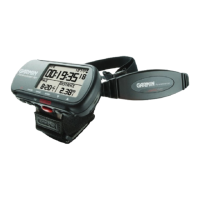
• Make sure the Forerunner is within 90–110 cm
(35–43 in.) of the heart rate monitor.
• Reset the heart rate monitor as described on
page 38
or turn the Forerunner off and then on again.
• Locate and move away from sources of interference
(see the previous page).
• Replace the heart rate monitor battery (if you have
used the heart rate monitor for a few months).


 To Next Page