Forerunner
®
301 Owner’s Manual 35
NAVIGATING > NAVIGATING WITH ROUTES
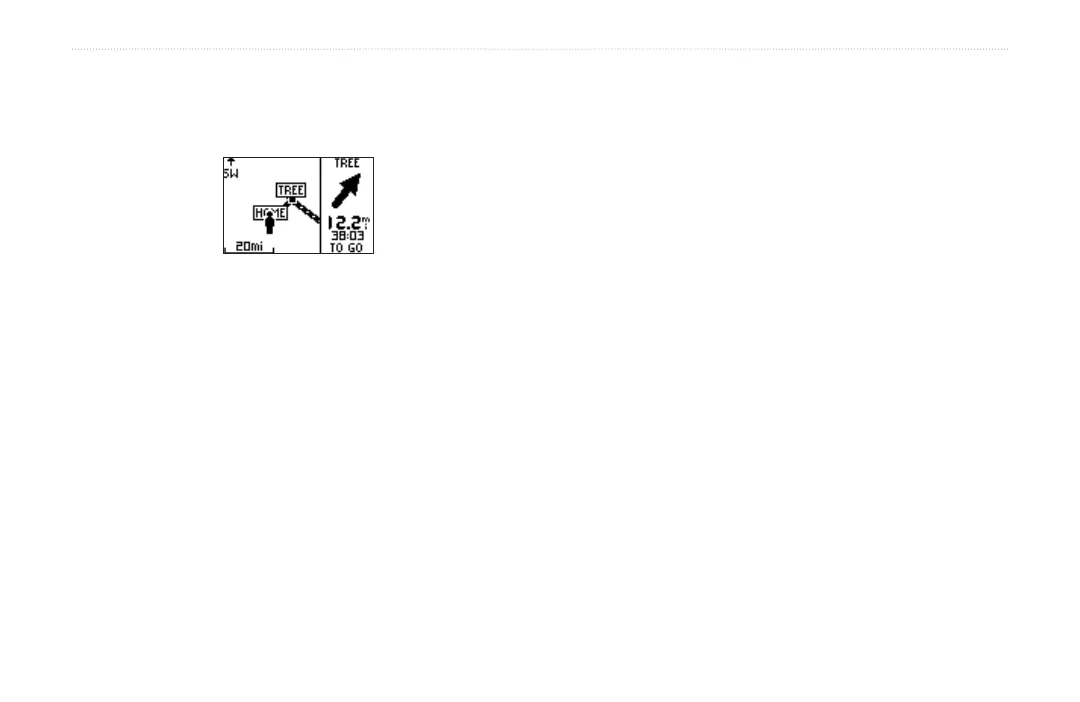
4. Select the point you want to route to as described in
the previous procedure. Your route appears on the
Map.
To stop navigating a route:
1. Press mode to access Menu mode. Then select
Navigation.
2. Highlight Stop GoTo and press enter.
To edit a route:
1. Press mode to access Menu mode. Then select
Navigation.
2. Select Routes.
3. Select List All and then select the route you want
to edit.
4. To insert or delete a Location, highlight a Location
and press enter. Then select Insert or Delete.
5. When you are finished making changes, select
Follow or press mode to exit.
To delete a route:
1. Press mode to access Menu mode. Then select
Navigation.
2. Select Routes.
3. Highlight List All and press enter.
4. Highlight the route you want to delete and press
enter. Then highlight Delete and press enter. Select
Yes to delete the route.
To delete all routes:
1. Press mode to access Menu mode. Then select
Navigation.
2. Select Routes.
3. Highlight Delete All and press enter. Select Yes to
delete all routes.


 To Next Page