Forerunner 405 Owner’s Manual 5
Getting Started
Charging
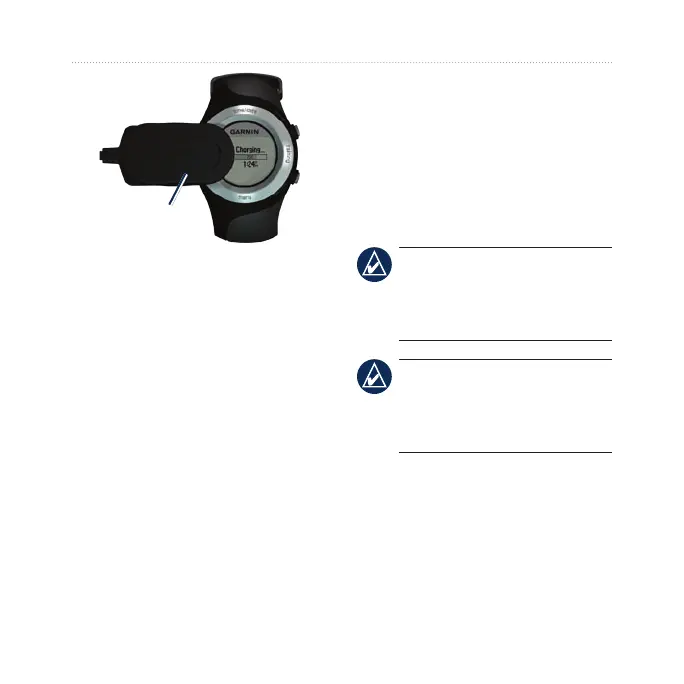
clip
Step 3: Congure
Your Forerunner
The rst time you use your
Forerunner, follow the on-screen
instructions to learn how to use the
bezel and congure the Forerunner.
If you are using an ANT+ heart
rate monitor, select Yes during the
conguration to allow the heart rate
monitor to pair (connect) with your
Forerunner. See Step 5 for more
information.
Step 4: Acquire
Satellite Signals
To set the correct time of day and
begin using the Forerunner, you must
acquire GPS satellite signals. It may
take a few minutes to acquire signals.
NOTE: To turn off the
GPS receiver and use the
Forerunner indoors, see
page 21.
NOTE: You cannot acquire
satellites in power save mode.
To exit power save mode,
press enter or quit.
1. Go outdoors to an open area. For
the best reception, make sure
the antenna of the Forerunner is
oriented toward the sky.















 To Next Page