6 Forerunner 405 Owner’s Manual
Getting Started
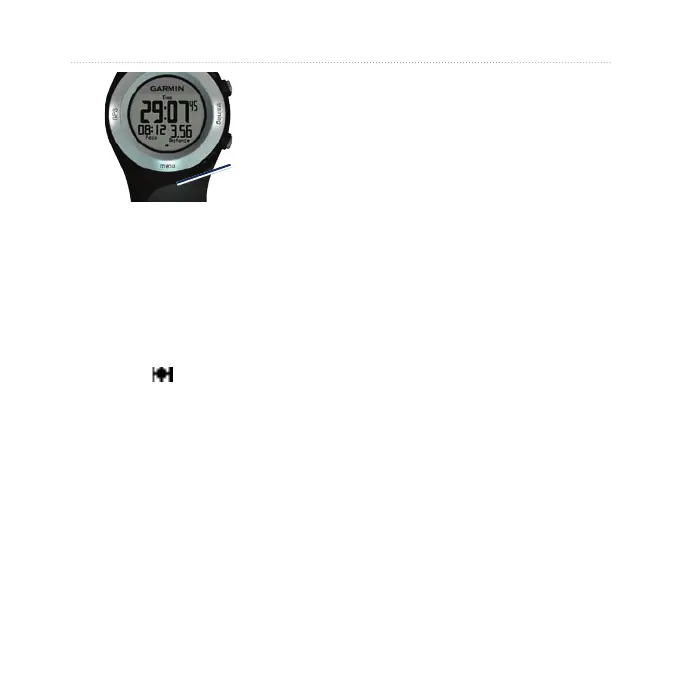
Antenna
location
2. Touch and hold
training to enter
training mode.
3. Stand still and do not begin
moving until the locating satellites
page disappears.
When you are receiving satellite
signals, the GPS icon appears in
the training mode pages.
Step 5: Pair the
Heart Rate Monitor
(Optional)
While you are trying to pair your
heart rate monitor with your
Forerunner for the rst time, move
10 m away from other heart rate
monitors.
The heart rate monitor is on standby
and ready to send data. Wear the
heart rate monitor directly on your
skin, just below your breastplate.
It should be snug enough to stay in
place during your run.
1. Push one tab on the strap through
the slot in the heart rate monitor.
Press the tab down.
2. Wet both electrodes on the back
of the heart rate monitor to create
a strong connection between your
chest and the transmitter.















 To Next Page